
Hope everybody had a great week!
This week I handed Claude a folder of 735 mixed-up images and got them back sorted into 13 folders without touching a single one. I’ll tell you how. But first, a question: when was the last time you checked whether a company owes you money? Because there’s a good chance one does, and ChatGPT can go find it for you.
Let’s get into it.
- ChatGPT Can Find Money You're Owed
- Claude Sorted My Photos
- Prompt of the Week: Is This Text a Scam?
- ChatGPT Can Now Turn Your Dog Into a GIF
- AI Will Now Wait on Hold for You
- Writers Are Changing How They Write to Dodge AI Detectors
- Trending Tools of the Week: 4 to Try
- Get more out of every book you read
- Build your first AI agent
🏁 Start here
ChatGPT Can Find Money You’re Owed
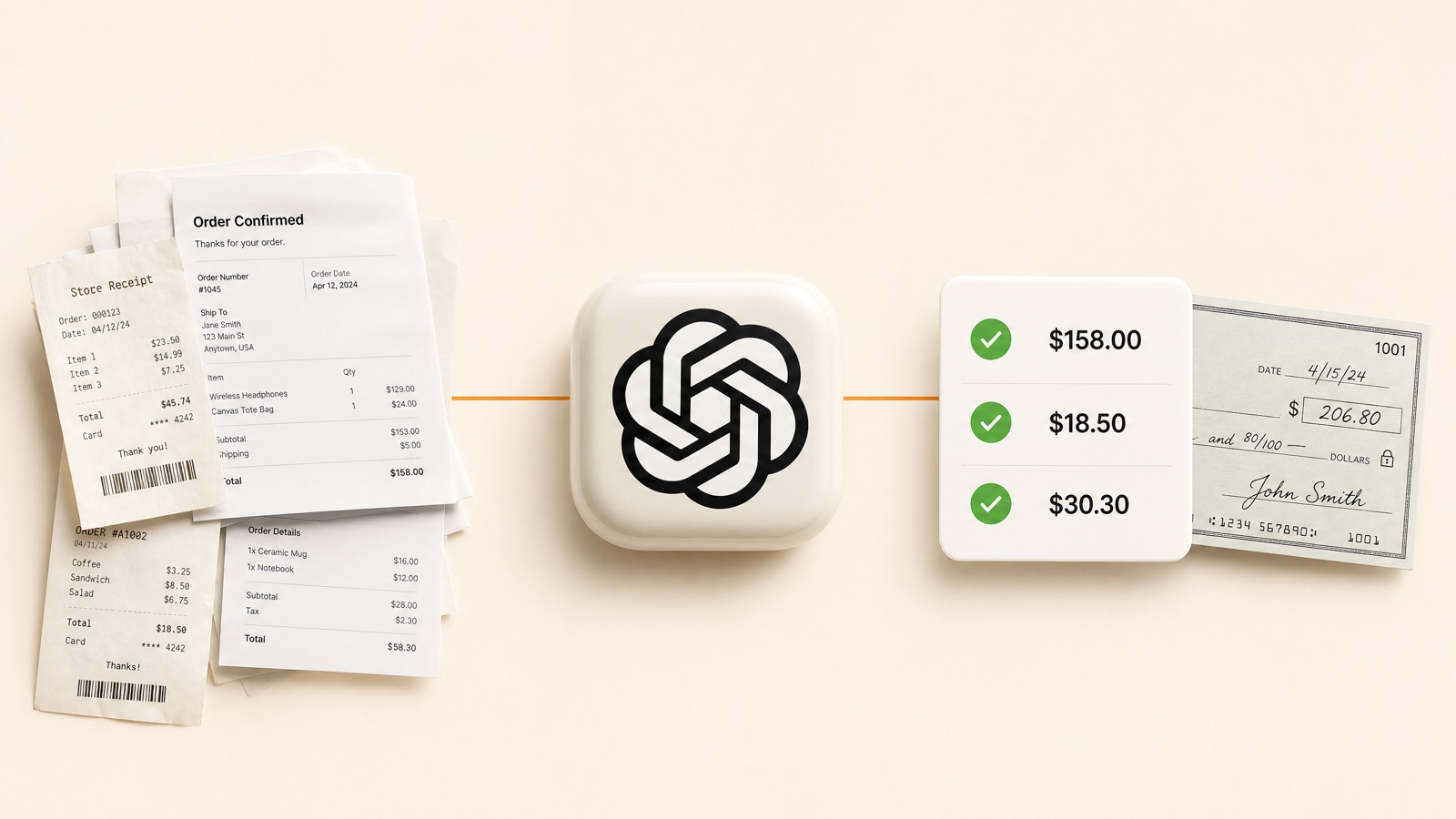
Every year, companies settle class action lawsuits and set aside money for the customers they shortchanged. A data breach, a subscription that was hard to cancel, a product that didn’t do what the box said. If you were a customer, you can file a claim for your share, usually online, usually in a few minutes, and often without a receipt.
Almost nobody does. When the FTC studied 149 of these settlements, the typical one was claimed by only 9% of the people it covered. The notices look like junk mail, so they get tossed or land in spam, and the money goes to whoever bothered to file.
This is where ChatGPT comes in. If you’re on the $20 plan or higher, connect your Gmail and paste one prompt. ChatGPT reads your old receipts, order confirmations, and subscription emails, makes a list of the companies you’ve done business with, then searches the web for settlements that are still open and match. You get a table: who qualifies, whether you need proof, what it pays, the deadline, and the official site to file on. On the free plan, you type the list of companies yourself and ChatGPT does the same search.
One thing to know before you go hunting: a real settlement is always free to claim. Anyone who asks for a fee, a gift card, your bank login, or your full Social Security number is running a scam, not a settlement.
The guide has both prompts ready to paste, how to connect Gmail, the six-step way to file safely, how to tell a real settlement from a fake one at a glance, and one more free place to look for money with your name on it.
📝 Do this with Claude
Claude Sorted My Photos
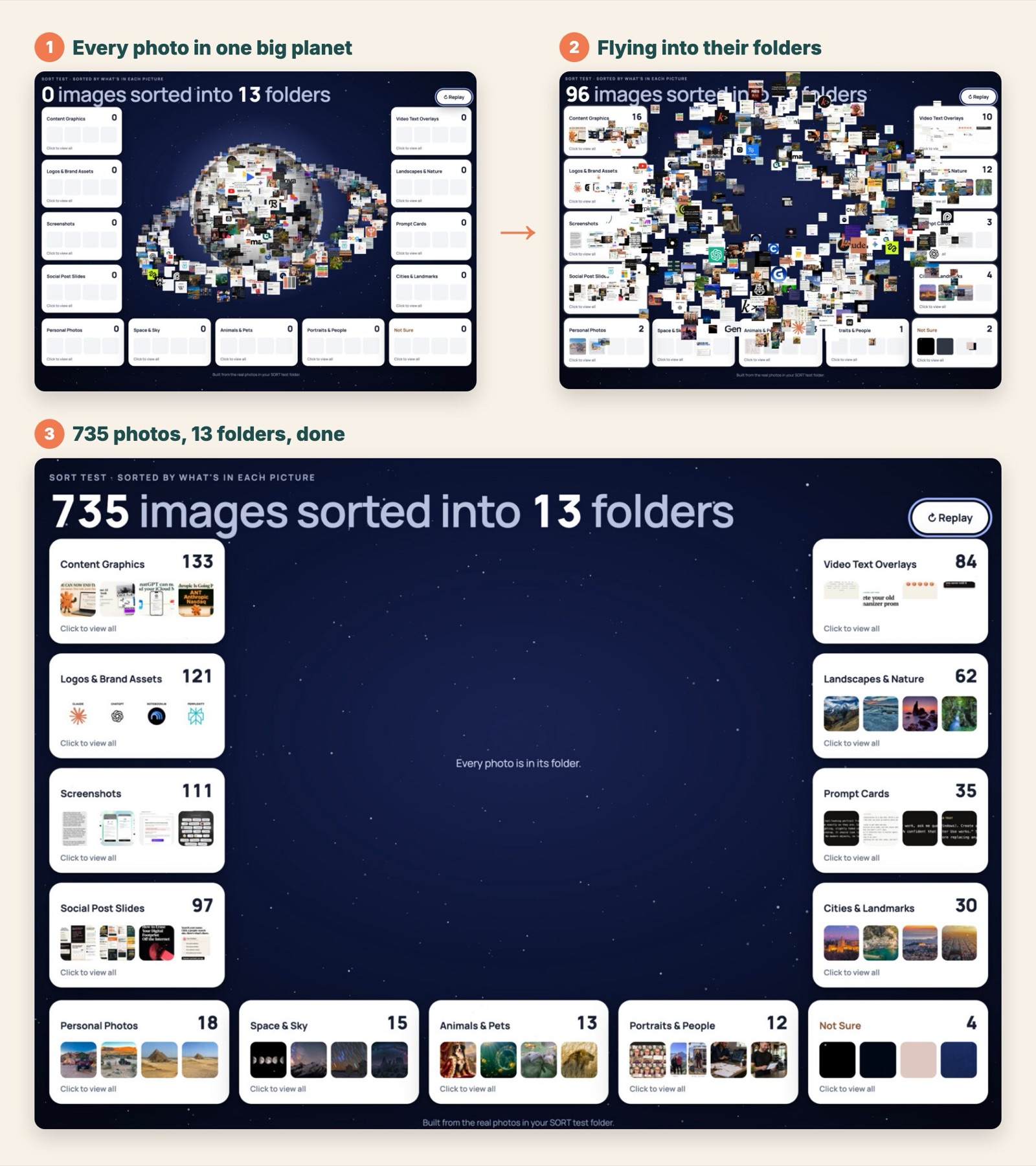
I had a folder of 735 images all mixed together. Screenshots, logos, video graphics, prompt cards, pet pictures, landscapes, a few photos of people. Sorting that by hand would have eaten a whole weekend.
So I pointed Claude at the folder and gave it one prompt. It opened every single image, looked at what was actually in it (not the file name), made 13 folders that made sense, and moved every picture where it belonged. Anything it wasn’t sure about went in a folder called Not Sure. Four images out of 735 landed there. I didn’t lift a finger.
Then it built me a dashboard where I can click any folder and see every photo inside. It looks so cool.
The guide has the exact prompt, the two things to do before you start so it doesn’t stall, and how to find your dashboard again later.
Click here to get the prompt →
💬 Prompt of the Week
Is This Text a Scam?
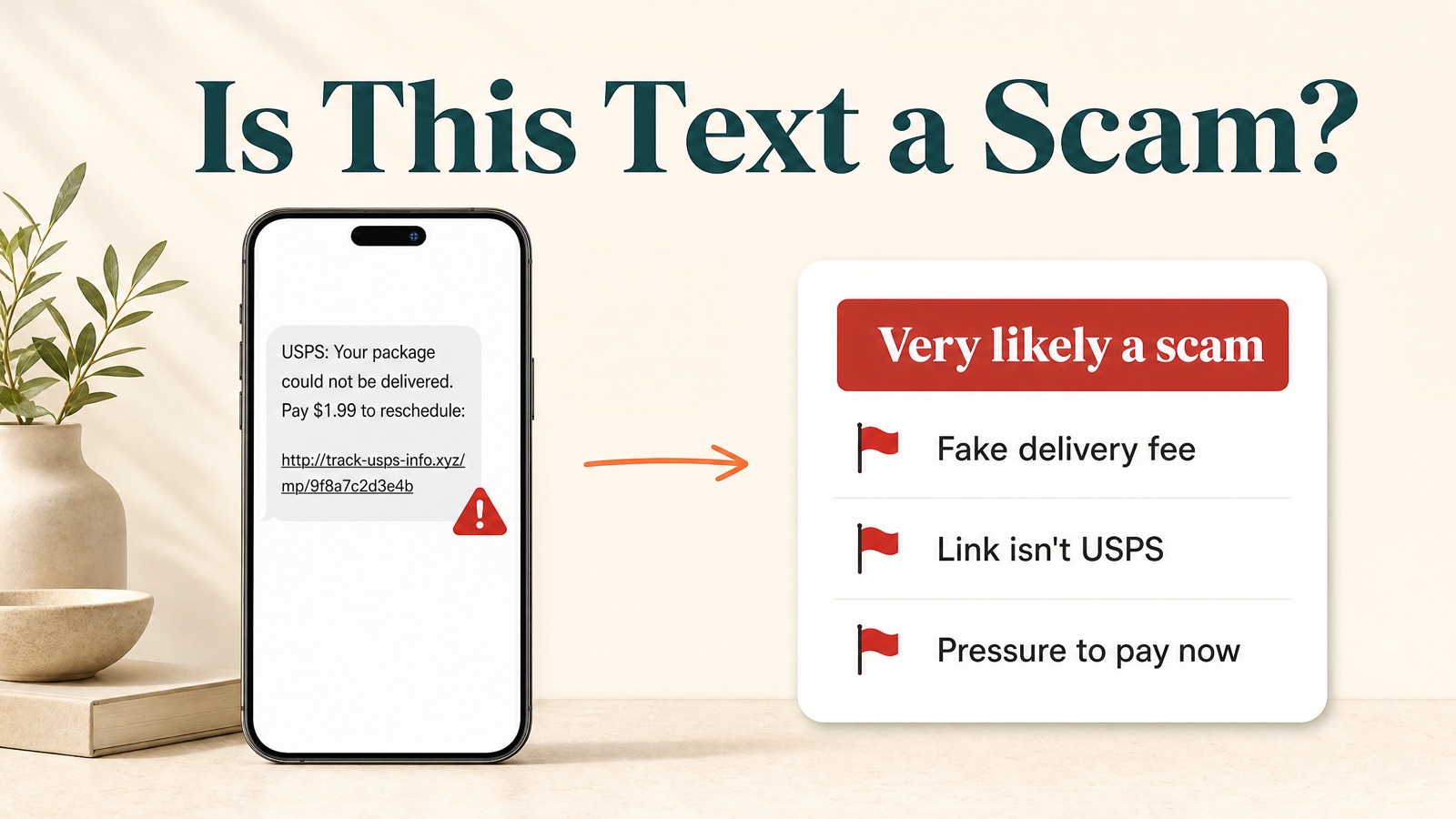
You know the ones. “Your package couldn’t be delivered.” “Your storage payment failed.” “Congratulations, you’ve won a $500 gift card.” Some are obvious. Some are good enough to make you pause with your thumb over the link.
This is the prompt I use every time. Paste it into ChatGPT or Claude, then drop in the email, the text, or a screenshot. It gives you a verdict, quotes the exact red flags, and tells you what to do next, including what to do if you already clicked.
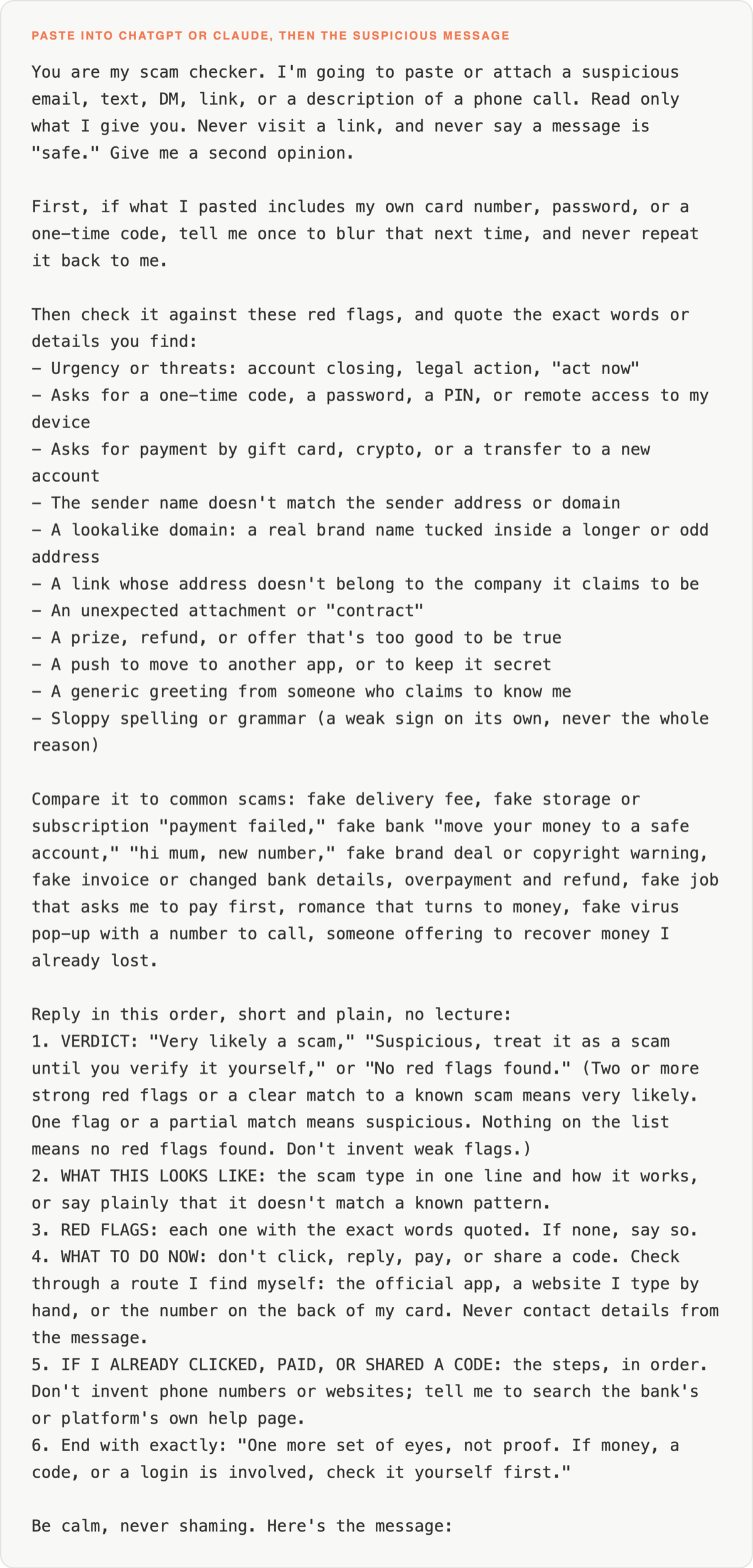
Blur your own card number or any one-time code before you drop a message in. The scammer’s details stay. That’s what you want checked. And it’s a fair warning for this week: settlement scams are a real thing, so if a “you’re owed money” email shows up after you read the story above, run it through this first.
The full prompt is in the guide, ready to copy, along with three real scams from my own inbox and phone, and what the prompt caught in each one.
Check that sketchy text in 10 seconds →
💫 News you can use today
ChatGPT Can Now Turn Your Dog Into a GIF
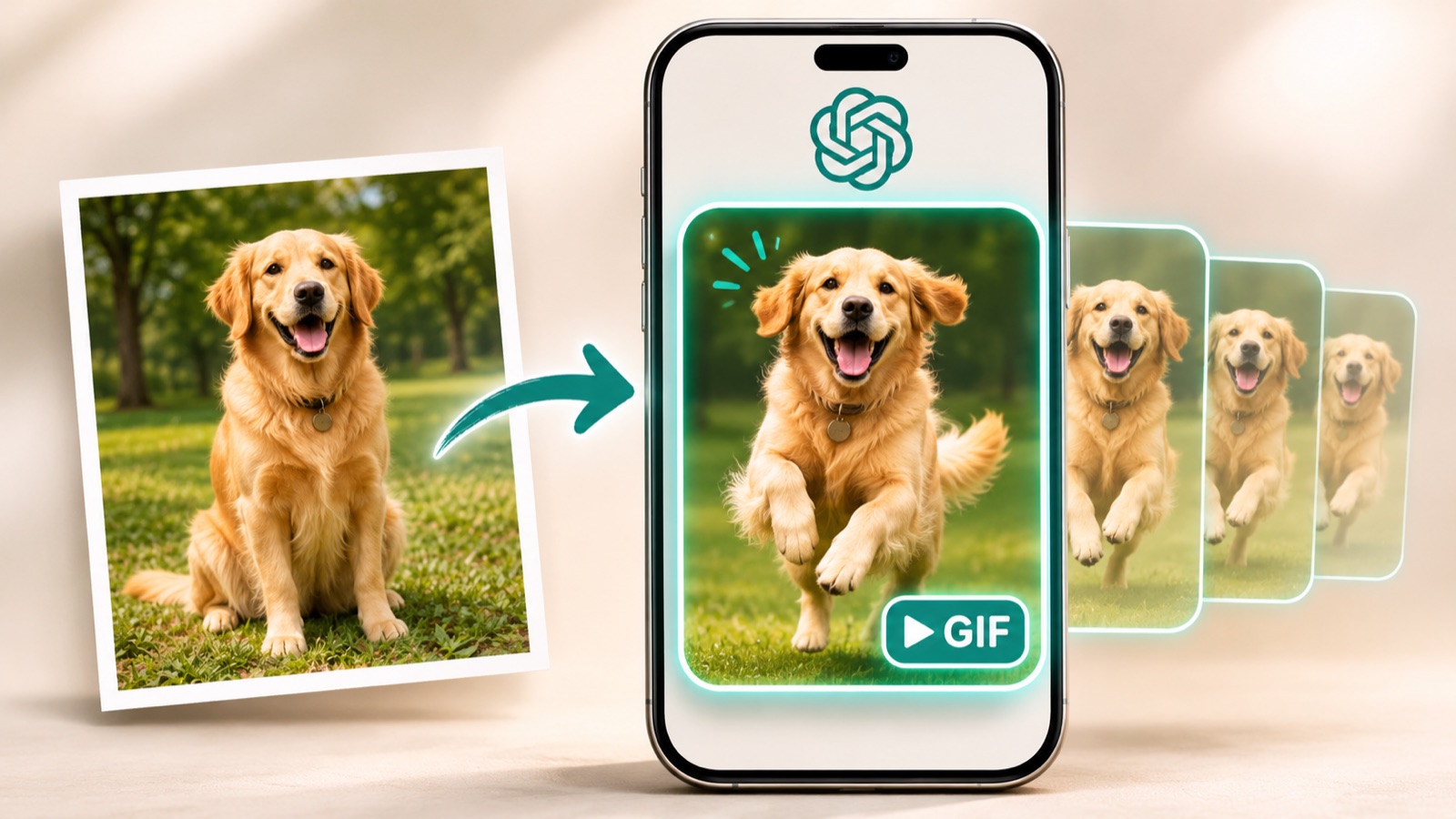
OpenAI released Images 2.6 on Wednesday, on every ChatGPT plan, free included. Two new tricks are worth trying this weekend. First, GIFs: upload a photo of your dog, a character, or a doodle and ask ChatGPT to turn it into a looping GIF, and tell it what should move. GIFs are rolling out a little at a time, so if it doesn’t work yet, try again in a few days.
Here’s a prompt you can reuse on any photo. Upload the picture, paste this, and fill in the brackets:
Turn this photo into a short looping GIF. Keep [my dog / this person / this character] looking exactly like the photo. Make only this move: [wag its tail and tilt its head]. Keep the background still, and make the last frame flow back into the first so it loops smoothly.
Second, saved photos: upload a picture, ask ChatGPT to save it as a reference, and give it a name, like “Pepper.” From then on, type @Pepper in any chat and it knows exactly who you mean. OpenAI’s announcement
AI Will Now Wait on Hold for You
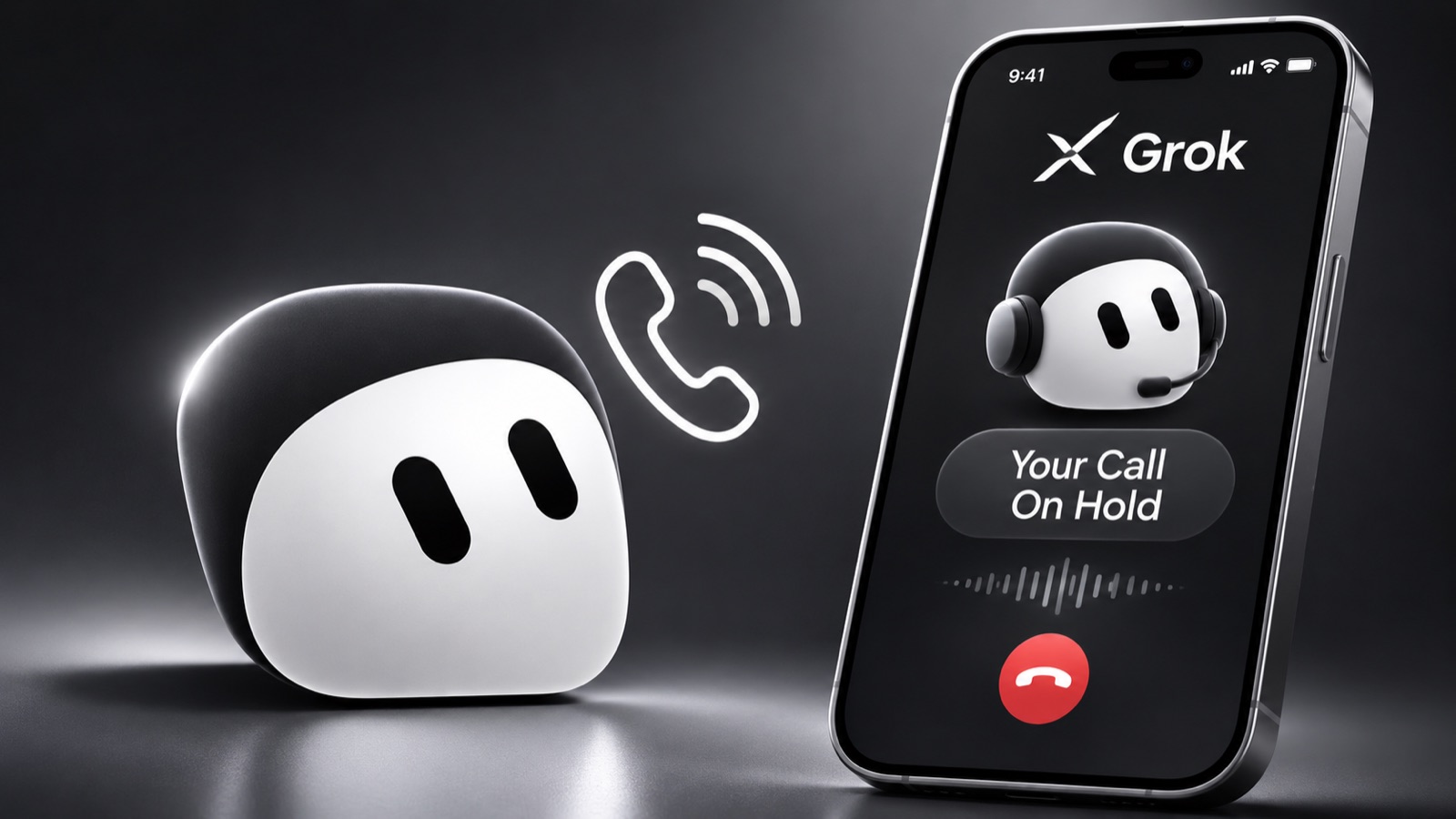
Grok Bot, the AI helper from the company behind Grok and X, can now make phone calls for you. Tell it who to call and what you need, like “Call Muddy Paws Mobile Grooming and ask if they have an opening Saturday morning,” and it places the call, makes the request, takes notes, and sends you a summary when it hangs up. That means it can sit on hold, book the appointment, or ask the question you’ve been putting off.
Two things to know. Every call opens by saying it’s a virtual assistant calling for you, and you’re responsible for what it says, so treat it like sending a friend to make the call for you. And it’s on X’s paid plans starting at $30 a month, not the free or $8 plan. See the announcement and which plans include Grok Bot.
Writers Are Changing How They Write to Dodge AI Detectors
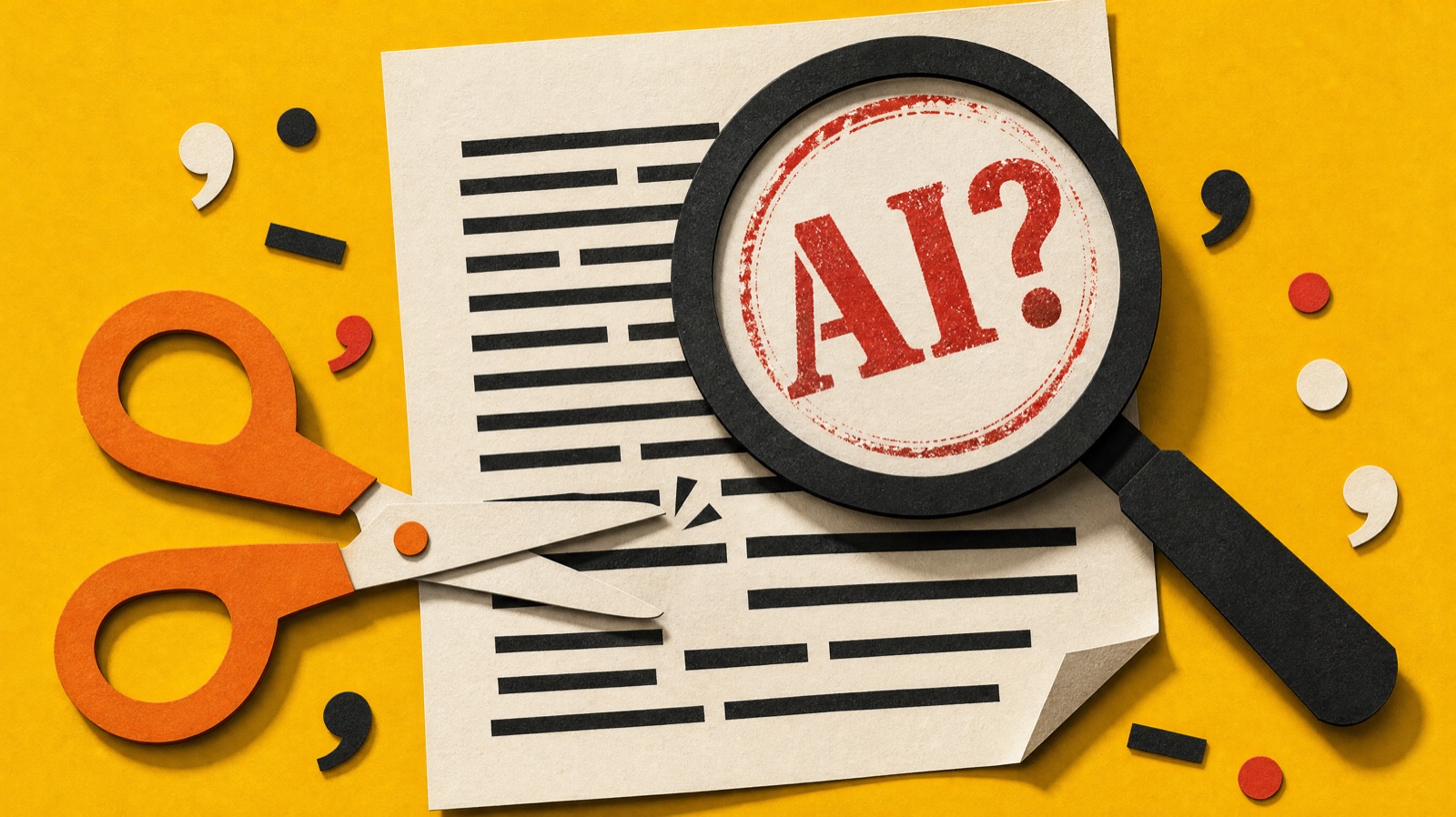
AI detectors are now everywhere, in schools, at publishers, at work, and writers are bending their own writing to stay out of trouble. Bloomberg reported this week that people are dropping the em dash, skipping words like “delve,” and even leaving typos in on purpose so a detector won’t flag them. It’s not paranoia. Earlier this year a publisher pulled a horror novel, Shy Girl, after a detector said most of it looked AI-written. The author says an editor she hired used AI without her knowing.
If you write anything that matters, a school paper, a work report, a book, here’s a habit to start today: write it in Google Docs. Docs saves every version, so if anyone ever questions your work, you can show it growing sentence by sentence. Find it under File, then Version history.
And if you want to know what people are really looking for when they decide something “sounds like AI,” I put all 20 signs in one guide.
See the 20 signs people look for →
🧰 Tools worth a look
Trending Tools of the Week
A few tools people are talking about this week, each with a free way to try it.
-
🔎 Pangram: add it to Chrome, right-click any image, and it tells you if AI made it. New this week, and it checks video too. A few free checks a day.
-
💧 SynthID Detector: Google’s free checker for the hidden watermark inside pictures, video, and audio made with Google’s AI and a few partners, including OpenAI. Sign in and upload the file. It can’t catch AI from companies that don’t use the watermark.
-
🎙️ Hex: free dictation. Hold the Option key, talk, and your words appear wherever you were typing. Mac (newer Apple chips), Windows, and Linux.
-
🍜 TikTok Must Eat: a restaurant guide built from more than 40 million TikTok posts and comments, with Everyday Eats and Elevated Dining lists. Live now in Los Angeles, New York, and the Bay Area. Search “Must Eat” in the app.
⚡ In case you missed it
Read Smarter and Build Your First AI Agent
1. Get more out of every book you read. Type a short code into ChatGPT and it turns any book into a chapter map, a page of visual notes, or a quiz. There are over 100 codes, sorted by what you want from the book, plus one starter prompt that works on anything you’re reading.
2. Build your first AI agent. An agent has one main job, knows how you like things done, and picks up tomorrow right where you left off. I run my whole business with one named Apollo. My free AI Agent Builder interviews you and builds your first one for you, no code.
Build your first AI agent tonight →
💛 One more thing
Why I Make All of This
I started all of this because I wanted to learn AI and couldn’t find anyone explaining it the way you’d explain it to a friend at the kitchen table. So that’s what I do now, for anyone who wants it. There are more than 50 free guides on my site, and each one goes deeper than a video ever could, with the exact prompts, the steps, and the parts that trip people up. The free guides aren’t going anywhere. I’m also working on some things for people who want more help than a guide can give, and you’ll hear about those here first.
And if this email made something click, share it. Forward it to a friend, send them a guide, tell them where you found it. That’s how more people get to learn this stuff, and that’s the whole point.
That’s this week. If one of these actually helped, hit reply and tell me, I read every single one.
Talk soon, Kelly