
It’s been a great week!
Quick note before we start: I’m still on the road this week, but I got you covered!
This week: the one paste that makes Claude write your prompt for you before it does anything. The setting that lets Claude open websites and click through them while you watch. The three Claude settings that stop Claude from working blind. And $320 of free AI for the college student in your house, with one deadline a month away. Plus Meta’s new agent, and what Claude did with a 350-year-old math problem.
Let’s get into it. We have a lot to cover :)
- 3 Claude Settings Nobody Turns On
- Claude Writes Better Prompts Than You
- Claude Can Open Websites by Itself
- Free ChatGPT Plus and Gemini for College Students
- Meta's Muse wants into your accounts
- Claude proved Fermat's Last Theorem
- The $20 question: ChatGPT or Claude?
- ChatGPT Images: pick a template, circle the change
- OpenAI's big developer event is Tuesday, September 29
- The 30-second Astra Computer Use test
🏁 Start here
3 Claude Settings Nobody Turns On
If Claude feels a little basic, it’s usually working blind. It can’t see the website you’re asking about, it can’t touch your Canva, and it has no idea what you sold last month, so it guesses.
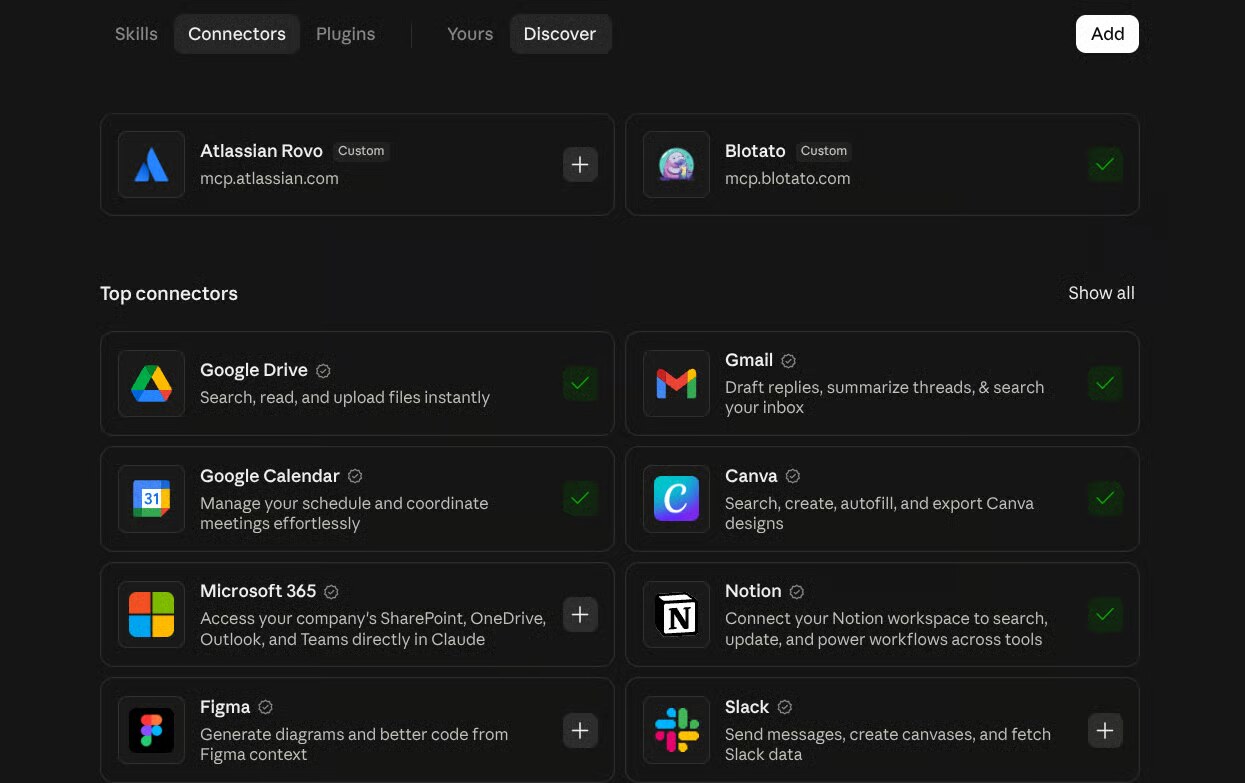
Three clicks in one menu fix that. Tap the plus button in any chat, then Connectors. Firecrawl: paste any link and Claude reads the whole page, not a summary of it. Canva: Claude works inside your Canva account, with an Open in Canva link on everything it makes. Stripe: if you sell anything online, Claude reads your sales and tells you what’s selling and what’s dying. Each one asks you to sign in once.
Connectors to outside services are for paid Claude plans, so this is a $20-plan thing. The guide has one prompt to paste the moment each is on, and the two things to keep Stripe away from.
3 Must Have Claude Connectors →
🤓 Do this with Claude
Claude Writes Better Prompts Than You
You’ve seen the prompt formulas. Role, task, context, format, tone. They work, and nobody remembers them at 9pm when they need an email written. So I stopped writing good prompts. I write rough ones, and I make Claude turn them into good ones before it does anything. Every weak answer you’ve ever gotten came from a detail that wasn’t in the prompt: who it was for, how long, what to leave out. Claude reaches for those first, so let it.
Paste this at the top of a new chat, put your rough request under it, and send:
Before you do anything, rewrite my request as the prompt you would want to receive. Read what I typed below. Then write the version you would use if you were asking another AI to do this. Include: who the result is for, the goal and what done looks like, the length and format, the tone, what to leave out, and any facts you need from me. Where a detail is missing, put a question in brackets instead of guessing. Show me only the rewritten prompt. Do not do the task yet. Wait for me to answer the questions and say go.

My request: [paste it here]
Claude hands back its own version, with a question in brackets everywhere it would otherwise guess. Answer the brackets in a line each, say go, and it runs the prompt it wrote. You never learn to write prompts. Claude writes the prompt, you write the answers. Works word for word in ChatGPT and Gemini too. The guide has three worked examples, how to answer the brackets in thirty seconds, and the fix for when Claude skips ahead and does the task anyway.
Get The Claude Master Prompt →
🤖 This just happened
Claude Can Open Websites by Itself

You know the evening. Twenty tabs open, comparing groomers or plans or prices, copying phone numbers into a note, losing the one with the good reviews. Claude can do that now. In the Claude desktop app, go to Settings, then Cowork, and under Preferred browser pick Built-in browser. Then open Cowork and type the job in one sentence, with what you want back:
“Find three mobile dog groomers near me with at least a 4.5 rating. Put them in a table with the price and the phone number.”
A browser opens inside Claude. It searches, clicks into each one, reads the page, and builds the table, all while you watch. It’s Claude’s own browser, separate from yours, so it never sees your tabs or passwords unless you hand over a specific login. Leave banking and email unchecked. It’s on the $20 plan. The guide has the two-minute safety setup and ten jobs to hand it first.
🎓 For the student in your life
Free ChatGPT Plus and Gemini for College Students
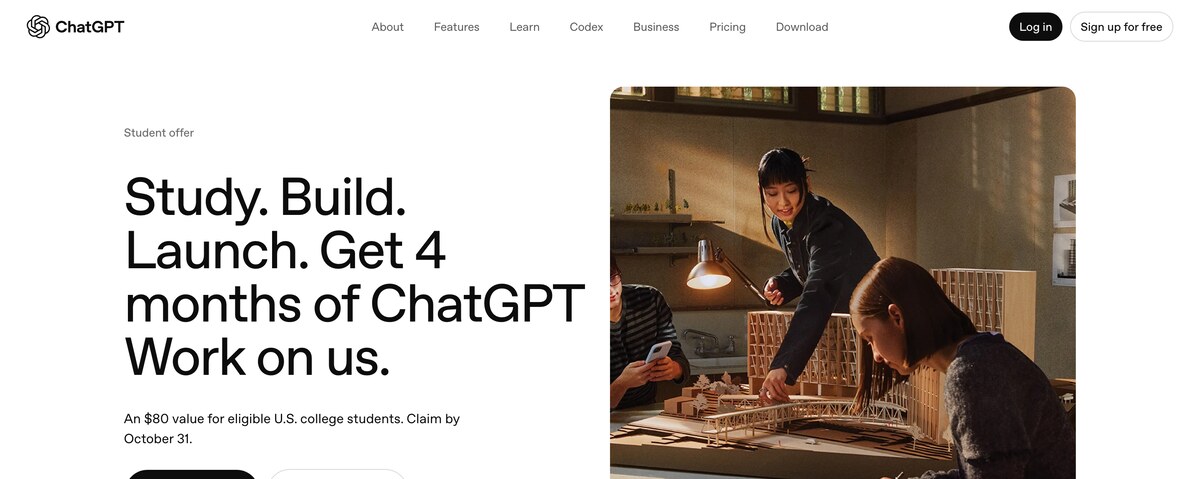
There’s $320 of AI sitting on the table for US college students right now, and one deadline is a month away. ChatGPT Plus, four months free. Open chatgpt.com/students/2026 in a web browser (not the app), sign in to the account you want it on, and verify through SheerID with your school login or a class schedule. Claim by October 31. Gemini, twelve months free through Google AI Pro, claim by December 31. Both need a card on file and both renew at full price when the free months end, so set two reminders the day you sign up. The guide has the exact steps for each, who qualifies, and the five prompts every student should have on day one. If there’s a student in your house, forward them this section.
Claim Your Free AI Before Oct 31st →
💫 This week in AI
Meta’s Muse wants into your accounts
Meta launched Muse, a personal AI agent that connects to your accounts and does things for you: books the table, answers the email, handles the errand. It hit number two on the app charts in three days. It runs in its own locked-down space with a second AI watching what the first one does, which is a good design. The question to ask before you connect anything is the same one I’d ask of any agent: what’s the smallest access this task needs? Start with a calendar, not your inbox, and never approve a login you didn’t expect. US only for now, on iPhone, Android, and the web.
Claude proved Fermat’s Last Theorem
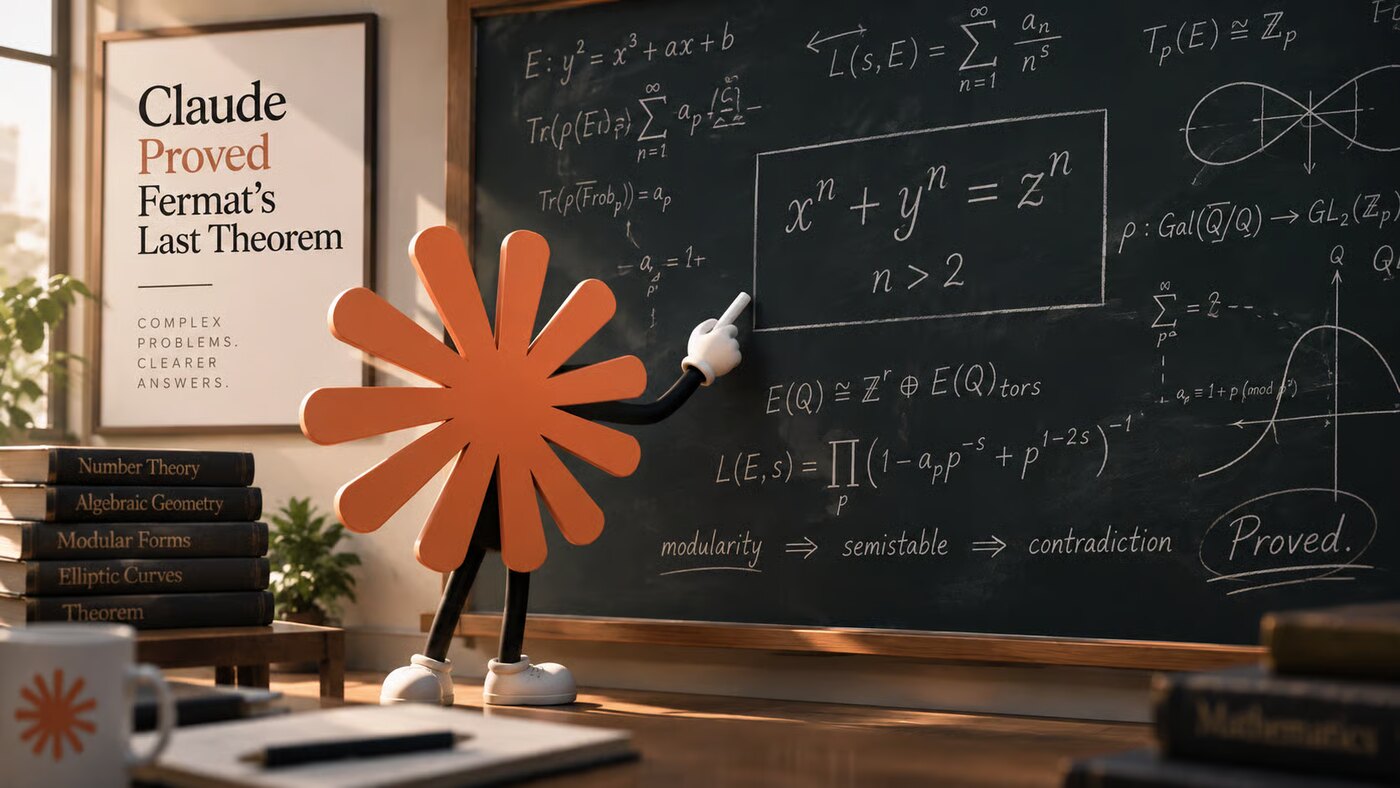
A math problem that stood for more than 350 years, and took a human mathematician seven years to crack in the 1990s. Claude produced a complete, computer-checked proof in eleven days: 13 million lines, every step verified by a program that doesn’t accept hand-waving. Why it matters for the rest of us, in one sentence: the same loop, do the step, check the step, fix what failed, is what makes it good at your spreadsheet and your contract. When you give Claude a way to check its own work, it gets a lot more reliable.
💫 Worth your 5 min
Four things worth more than a scroll-past.
1. The $20 question: ChatGPT or Claude? Both are $20 a month, and I pay for both. Here’s how I pick. Images, voice mode you can talk to in the car, and ChatGPT-6 Astra doing browser jobs inside Work: ChatGPT. Writing somebody else has to read, handing it files in Cowork, and Dispatch, where you text Claude a job from your phone and it runs on your computer at home: Claude. Not sure? Run both free plans for a month and the answer shows itself. Pick the $20 plan that fits you →
2. ChatGPT Images: pick a template, circle the change. The flyer is perfect except one number, you ask for the fix, and the whole flyer comes back different. That’s over. Go to Images, pick a Template (poster, logo, product photo, merch), describe what goes in it. When you need a change, open the image, tap Edit, pick Markup, circle the part, and type only the change. Everything else stays put. On every plan, including free. Make the flyer in one try →
3. OpenAI’s big developer event is Tuesday, September 29. The expectation is managed agents: ChatGPT agents that run on OpenAI’s side without you keeping an app open. I’ll be home by then and I’ll have the plain-English version of whatever they announce in next Sunday’s issue. See what’s on the agenda →
4. The 30-second Astra Computer Use test. ChatGPT-6 Astra can use your computer now, and the safe way to meet it is a job with nothing at stake. In the ChatGPT desktop app, go to Work, pick Astra in the model menu, then Plugins, then Computer Use, and turn it on. On a Mac it asks for Screen Recording and Accessibility. Then paste this:
Open TextEdit (Notepad on Windows). Create a new file named astra-test.txt. Type "Astra Computer Use works." Save it in my Downloads folder. Stop and ask me before replacing any file.
Check your Downloads folder. That’s the whole test. Two rules from here: give it the smallest access the task needs, and never approve a login, payment, or file change you didn’t expect. Grab these ASTRA prompts →
💛 One more thing
All Of My Guides and Resources are Free
I started all of this because I wanted to learn AI and couldn’t find anyone explaining it in plain English. So that’s what I do now, for anyone who wants it. Every guide on my site is free, and each one goes deeper than a video ever could, with the exact prompts, the steps, and the parts that trip people up. Go check them out. They’re genuinely helpful, and I’d love for them to be helpful to you.
And if this email made something click, share it. Forward it to a friend, send them a guide, tell them where you found it. That’s how more people get to learn this stuff, and that’s the whole point.
That’s this week. If one of these actually helped, hit reply and tell me, I read every single one.
Talk soon, Kelly