
3 Claude Connectors to Turn On Today: Firecrawl, Canva, and Stripe, With a Prompt for Each
Make Claude work with your actual stuff instead of guessing: the one menu where connectors live, how to turn on Firecrawl, Canva, and Stripe in a click each, what each one lets Claude do, one prompt to try the moment it's on, and what to keep it away from.
Save it, print it, read it offline. It's yours.
If Claude feels a little basic to you, the problem is usually that it’s working blind. It can’t see the website you’re asking about, it can’t touch your Canva, and it has no idea what you sold last month, so it does what anyone would do without the facts: it guesses. Three switches in one menu fix that. This guide is where the menu is, how to turn on Firecrawl, Canva, and Stripe, what each one lets Claude do, one prompt to paste the moment each is on, and the two things to keep it away from.
Tap the plus button in any Claude chat, then Connectors. Turn on Firecrawl (Claude reads any web page you link), Canva (Claude works inside your Canva), and Stripe (Claude reads your sales). Each one asks you to sign in to that service once. Then Claude stops guessing and starts working with your actual stuff.
A connector is a switch that lets Claude use another app or service you already have. Turn one on, sign in to that service once, and Claude can look things up there or do things there when you ask. Anthropic keeps a directory of them, built by the companies themselves, and you turn each one on from the plus menu in a chat.
A paid Claude plan. Anthropic's announcement says connectors to outside services are for paid plans, so on the free plan you'll see the directory but the switches won't turn on. Plus, for each connector, an account with that service: Firecrawl (free to create), Canva, and Stripe. You sign in to each one the first time. Works in the Claude app, on the web, and on your phone.
One menu. It’s the same on the phone and the computer.
- Open any chat in Claude.
- Tap the plus button next to the message box.
- Tap Connectors.
- Find the one you want and turn it on. The first time, it sends you to sign in to that service and approve access. That’s it.
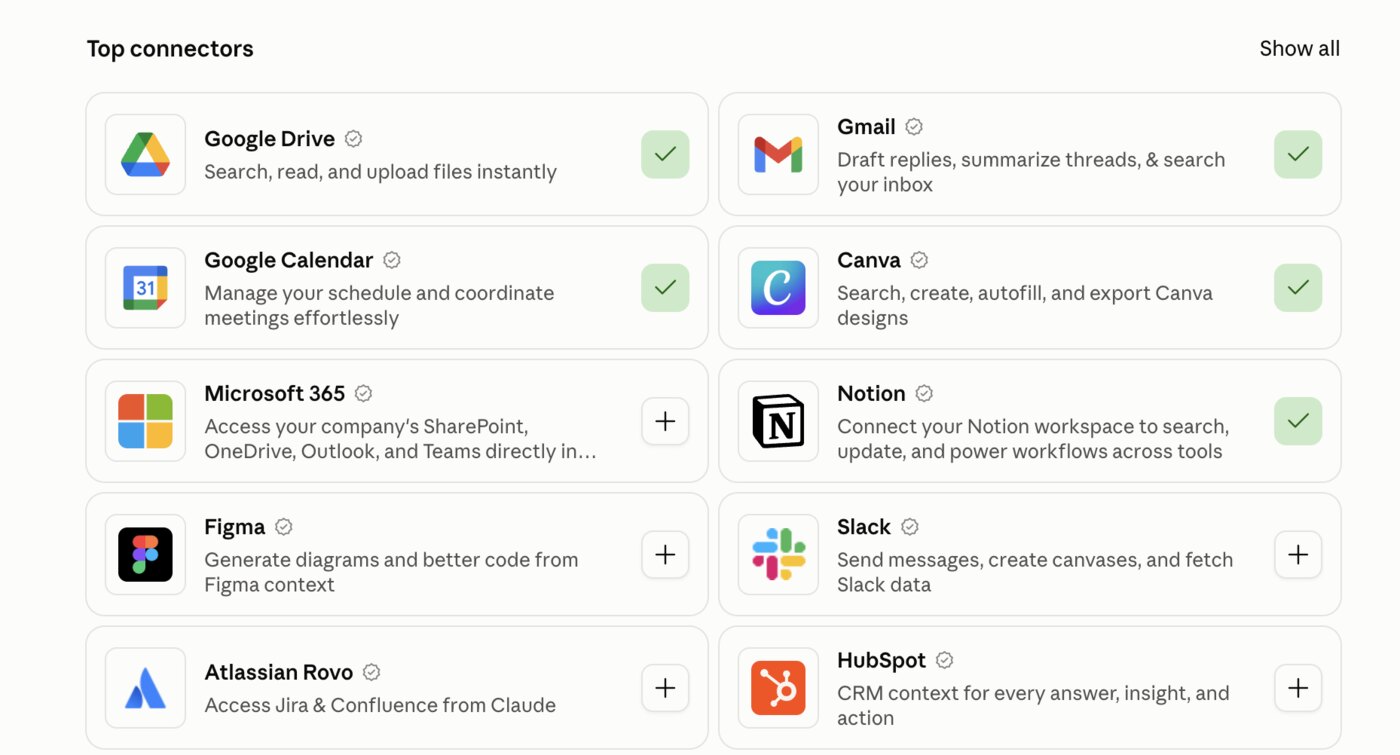
The full list of what’s available is at claude.ai/directory. Each connector there has a Connect to Claude button that does the same thing, and the ones you’ve already turned on say Connected. To turn one off later, go back to the same menu and flip it off, and Claude loses access to that service immediately. You’ll see the everyday ones in the same grid, Gmail, Google Drive, Google Calendar, Notion, and they work the same way: one switch, one sign-in. Anthropic’s advice on the directory page is worth repeating: only use connectors from developers you trust. The three below are made by Firecrawl, Canva, and Stripe themselves.
The three at a glance.
| Firecrawl | Canva | Stripe | |
|---|---|---|---|
| What Claude can do | Read any web page you link, crawl a site, search the web | Find, read, fill in, create, and export your Canva designs | Read your payments, customers, subscriptions, refunds, and balance; can also create things if asked |
| What you sign in to | A free Firecrawl account | Your Canva account | Your Stripe account |
| Reads or acts? | Reads | Reads and creates designs | Reads and can act, so say read-only |
| Try it on | A competitor’s website | Your next Instagram post | Last 90 days of sales |
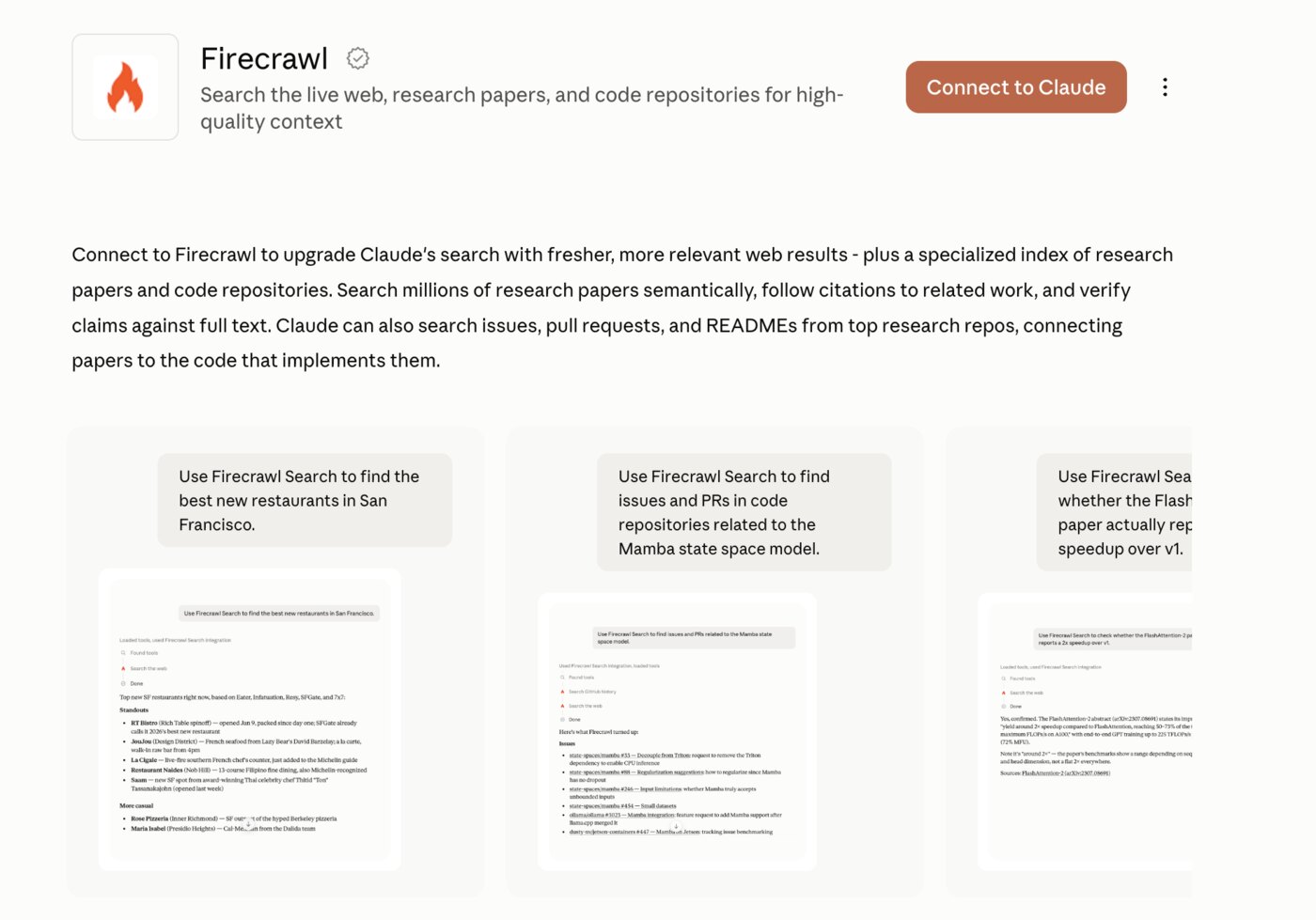
What it does. Without Firecrawl, ask Claude about a website and it answers from memory, which is old and partial. With Firecrawl on, paste a link and Claude opens the real page and reads everything on it: the menu, the prices, the way they write. It can also crawl through a site’s pages and search the web.
Turn it on. Plus button, Connectors, Firecrawl. The first time, it asks you to sign in to Firecrawl (a free account, made in a minute), pick your team, and approve access.
The prompt to try first. Sizing up a competitor is the one everybody has a use for.
Read this page: [paste the competitor's website link]. Tell me what they sell, their prices or packages, what they promise on the home page, how they ask people to get in touch, and how they write (formal, casual, salesy). Then tell me three things they do that I don't, based on my site: [paste your website link].Also good for: “Read this article and give me the five points that matter to a small business owner.” “Read this product page and write a plain-English summary I can send to a client.” “Read my own site and tell me what’s unclear to a first-time visitor.”
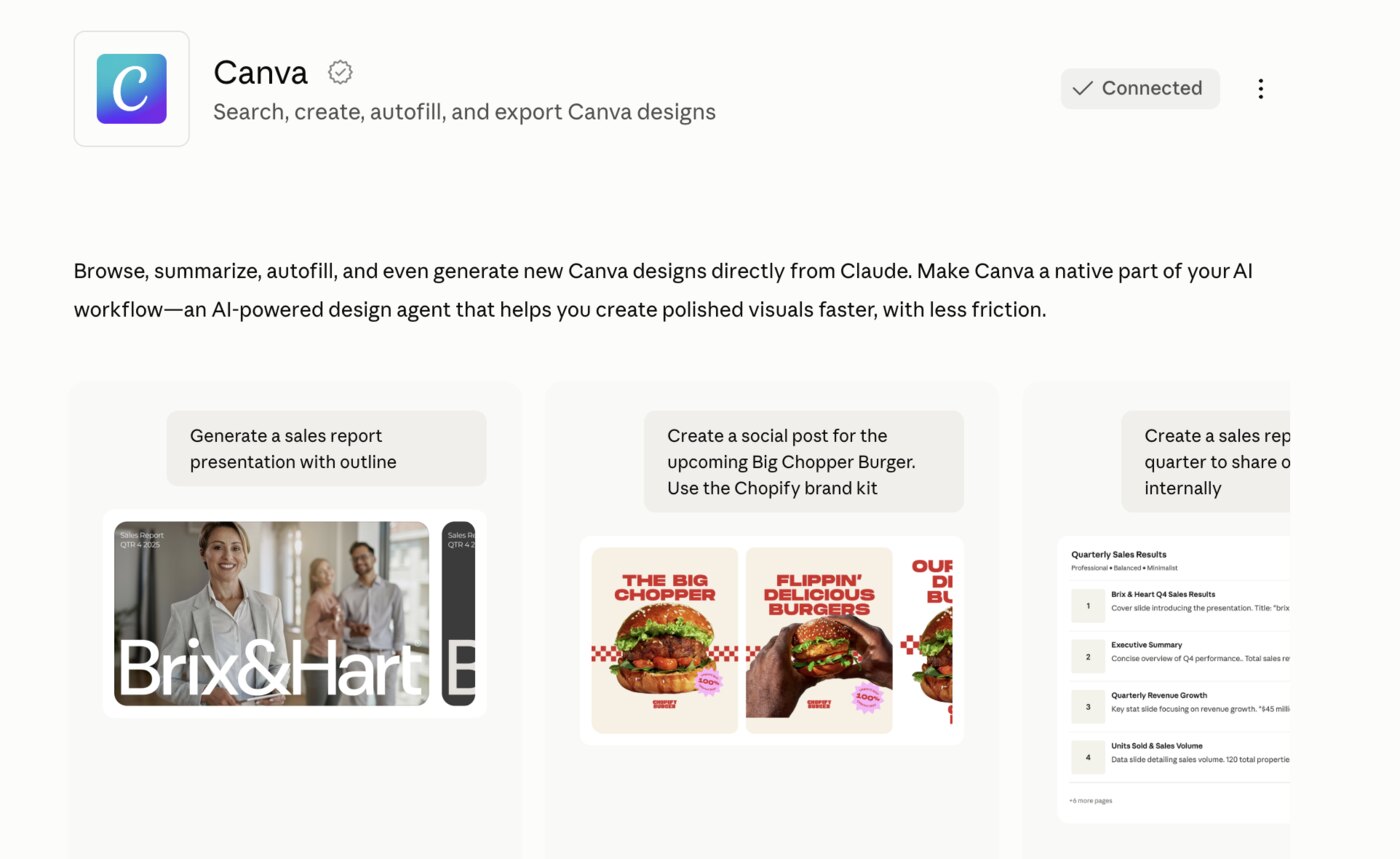
What it does. Claude can search your Canva designs, read what’s in them, fill in a template with new words, create a new design, and export one as a PDF or image. Everything it makes comes with an Open in Canva link, so you’re one tap from editing it yourself.
Turn it on. Plus button, Connectors, Canva. Sign in to Canva once and approve.
The prompt to try first. Tell Claude what the post is about, and it’s in your Canva, in your brand, before you’ve opened the app.
Make an Instagram post in my Canva about [the thing: a fall special, a new service, an event]. Use my brand colors and fonts. Headline under eight words, one line of detail, and a short call to action. Then give me the Open in Canva link so I can adjust it.Also good for: “Find my last three Instagram posts in Canva and tell me which layout I use most.” “Take this Canva template [name] and fill it in with these five tips: [paste].” “Export the design called [name] as a PDF.”
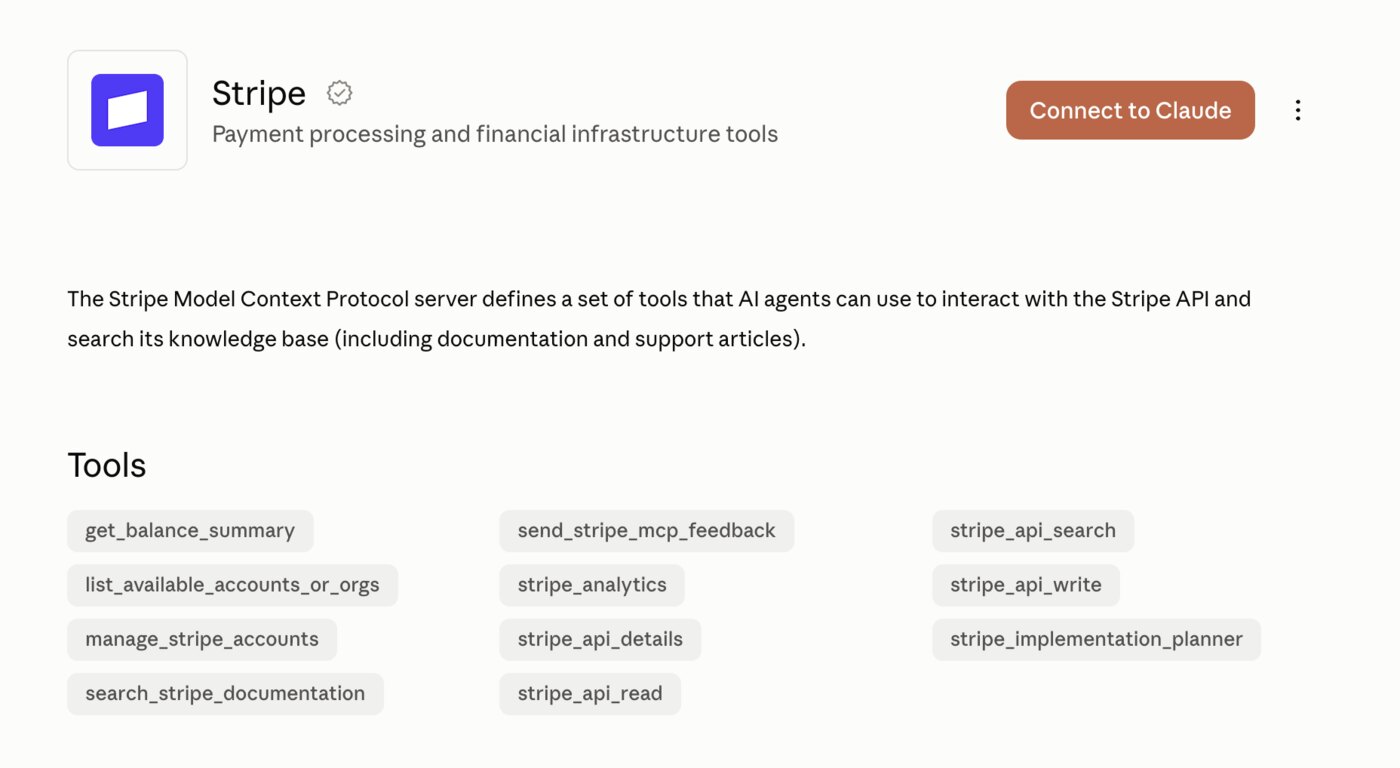
What it does. If you sell anything online through Stripe, Claude can look at your payments, customers, subscriptions, invoices, refunds, and balance, and answer in plain English: what’s selling, what’s dying, who hasn’t bought since spring. Stripe’s connector can also write, meaning it can create things like payment links or refunds if you ask it to.
Turn it on. Plus button, Connectors, Stripe. Sign in to Stripe once and approve.
The prompt to try first. Read-only on purpose.
Look at my Stripe account, read-only, don't change anything. For the last 90 days: my top five products or services by revenue, the ones that sold less than the 90 days before, my refund rate, and a list of customers who bought before this year and haven't bought since. Put it in a short table and then tell me the one thing you'd look into first.Also good for: “What was my net revenue last month after fees and refunds?” “Which subscriptions cancelled in the last 30 days?” “How much is due to pay out and when?”
Stripe's connector can read your data and it can act on it. Reading is where all the value is for most people. Say read-only in your prompts until you've watched Claude handle your numbers a few times, and never ask it to refund, charge, or change a customer until you'd be comfortable doing that yourself with your eyes closed. You can turn the connector off in the same menu any time.
They don’t watch for you. Claude does a job when you ask, and it can run one on a schedule, but nothing fires on its own when a payment fails or a page changes. If you want a daily check, set up a scheduled task and ask for it.
They don’t share your logins with Claude. You sign in through Firecrawl, Canva, or Stripe directly. Claude gets permission to use the service, not your password, and you can pull that permission from the same menu.
They don’t make Claude an accountant or a designer. They give it your data and your tools. What it does with them is still only as good as what you ask for, which is why each section above has one prompt to start from.
Open Claude, tap the plus button, tap Connectors, and turn on Firecrawl. Sign in when it asks. Then paste the competitor prompt from Part 2 with a real competitor's link and your own. Read what comes back. That's the moment Claude stops guessing, and it takes about three minutes. Do Canva and Stripe the same afternoon.
- Anthropic, “Discover tools that work with Claude”: the directory at claude.ai/directory, how connectors turn on, and which plans get them. claude.com/blog
- The Firecrawl, Canva, and Stripe connector pages in Anthropic’s directory: what each one can do, made by the companies themselves. Firecrawl · Canva · Stripe
- Firecrawl, “Use Firecrawl MCP in Claude”: the plus menu, Connectors path and the sign-in steps. docs.firecrawl.dev
Want more like this?
One simple AI win in your inbox every Sunday. No jargon, no overwhelm, unsubscribe whenever you like.
Want more like this?
Free AI guides added regularly. No jargon, no overwhelm.
kellystrattonai.com