
Hope everybody’s week was awesome!
I’m back home and back at my desk. Last week I promised you the plain-English version of OpenAI’s big event, and it’s in here.
This week: the federal government’s new AI helper, which answers in plain language and doesn’t ask you to sign up for anything. The one dropdown that makes ChatGPT stop calling every idea great. OpenAI’s always-on agents, what they do and who gets them. The line that makes Claude ask you questions before it writes a word. And a free Claude reset that’s sitting in your settings until October 22. Plus an ’80s portrait of you and dinner from a photo of your fridge.
Let’s get into it.
- The Government Has an AI Helper Now. Any American Can Use It.
- The ChatGPT Setting That Stops It Agreeing With You
- OpenAI's Big Event, in Plain English
- 9 Secret Prompts for Better Claude Answers
- Claude's New Model, and a Free Reset Waiting for You
- Turn yourself into a 1985 portrait
- Dinner from a photo of your fridge
- 10 skills that keep you valuable while AI gets better
🏁 Start here
The Government Has an AI Helper Now. Any American Can Use It.
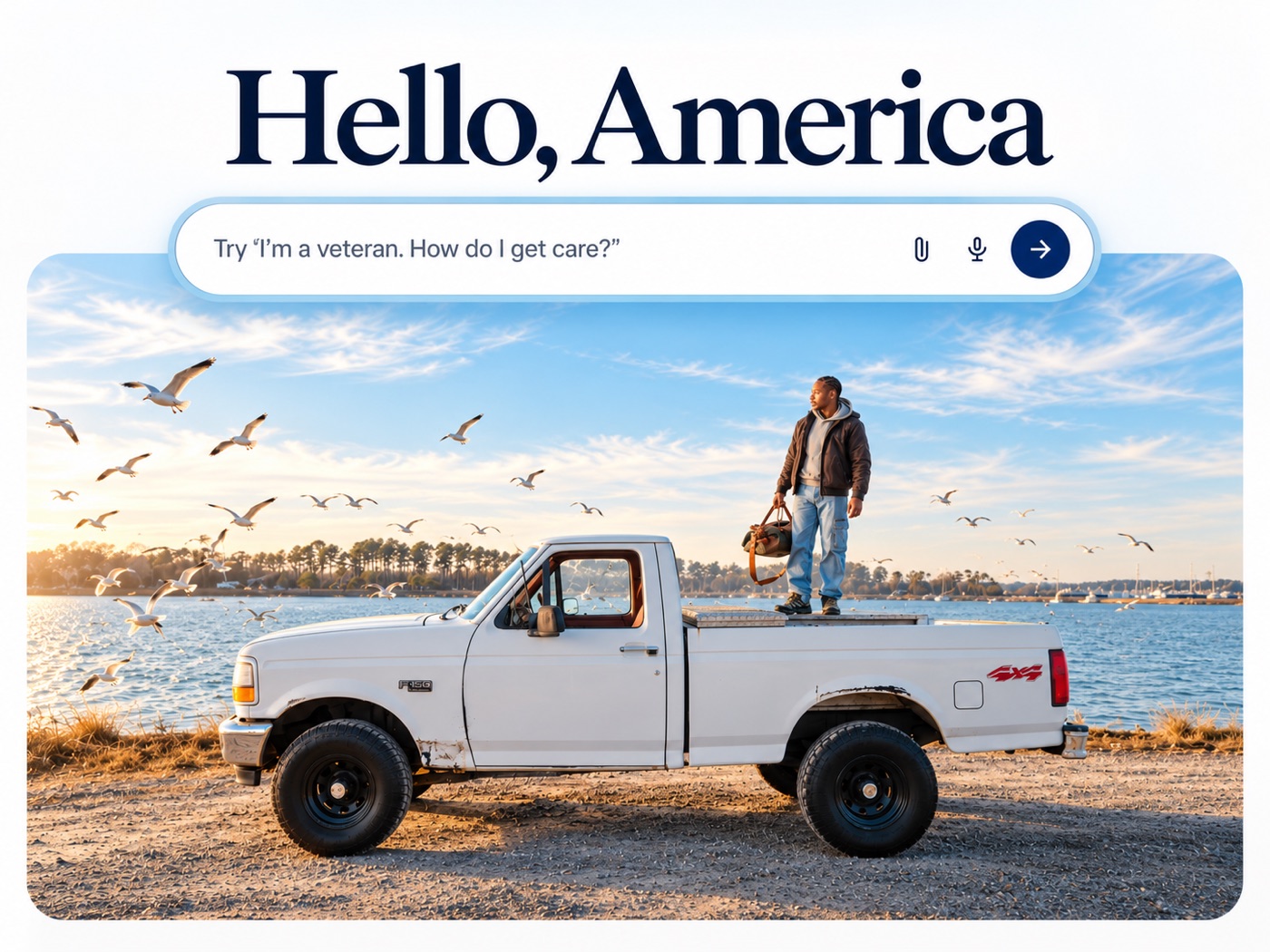
The federal government launched America.gov on September 29. It’s one chat box that searches more than 29,000 government websites and answers you in plain language. You don’t need an account. You open the page and type your question.
Ask it the way you’d ask a person. “Am I eligible for Medicare yet?” “How do I renew my passport?” “How do I apply for a federal job?” It tells you what applies to you and points you to the agency that handles it.
It can’t file anything for you yet, so think of it as the fastest way to find the right page. One habit to keep: AI can get details wrong, so click through to the official page it sends you to before you act on a date or a dollar amount.
Ask America.gov Your Question →
🤓 Do this with ChatGPT
The ChatGPT Setting That Stops It Agreeing With You

ChatGPT’s default personality has one job: keep you comfortable. Every idea is “compelling.” Every plan is “a great starting point.” You walk away encouraged and no smarter. That’s fine for brainstorming. It’s a problem the moment you’re using it to decide something real, like a price, a launch date, or whether the idea even works.
One dropdown fixes it. Open ChatGPT and click your name or initials in the bottom-left corner. Then Settings, then Personalization. The first thing on that page is Base style and tone. Change it to Candid. From then on, every new chat tells you when something won’t work and why, without the drama.
Then test it. Ask about the idea you’re most excited about right now. If it comes back with a problem you already secretly knew about, the setting is working, and so is your gut.
The guide explains every option on that menu, why ChatGPT agrees with you in the first place, and the honesty prompt that makes it argue with you like it has something on the line.
Make ChatGPT Tell You the Truth →
🤖 This just happened
OpenAI’s Big Event, in Plain English

OpenAI held its big event of the year on Tuesday, September 29, and announced more than 20 things. Here’s the part that matters to you.
The headline is Dots. A Dot is a ChatGPT agent that’s always on. It runs on ChatGPT-6 Astra, it has its own computer in the cloud, and it keeps working when your laptop is closed. It connects to more than 4,000 apps and it learns from the feedback you give it. The idea is an assistant that keeps an eye on things all day and brings the work to you to approve.
Who gets it. Dots are rolling out on the $100 plan and up, and to business accounts. They are not on the $20 plan yet, and not on free.
What else was announced. A new $500-a-month plan. A new model called ChatGPT-6.1 Sol, which OpenAI says comes close to Astra at about one-fifth of the cost. And Sign in with ChatGPT, which lets you use your ChatGPT account to sign in to other apps, starting with 16 of them, Notion included.
What to do about it: nothing, and that’s good news. You don’t need to upgrade. ChatGPT-6 Astra started on the expensive plans too, and it’s on the $20 plan now inside Work. If and when Dots reach the $20 plan, I’ll walk you through setting one up safely.
🤓 Do this with Claude
9 Secret Prompts for Better Claude Answers
Every generic answer you’ve ever gotten from Claude was one line away from a good one. Claude has to fill every gap you leave. If you don’t say who the email is for or what happens next, it fills that gap with the most common version, the one you’ve seen a hundred times.
So make it ask instead of guess. Paste this at the top of your message, before the request:
Before you answer or do any work, ask me questions, one at a time. Keep going until you are 95% confident that you can complete the task the way that I ask.
Then write what you want under it. Claude comes back with a question instead of an answer. You answer it, it asks the next one, and after four or five questions it does the work with your real steps, your real price, and your sign-off in it. One at a time matters. Hand someone six questions at once and they answer three of them halfway.
That’s the first of nine. The guide has the other eight, each one ready to copy, including the one that makes Claude sound like you and the one that stops it from making things up.
Get Better Answers From Claude →
💫 This week in AI
Claude’s New Model, and a Free Reset Waiting for You
Anthropic released Claude Opus 5.5 on September 22. Anthropic says it’s more than 30% faster than the last Opus, that its writing is clearer, and that it puts the most important information up front. In one customer’s test, its answers came back 40% shorter. If you’ve ever cut three paragraphs of warm-up off a Claude answer, this one is for you. If you use Claude, check the model menu for Opus 5.5.
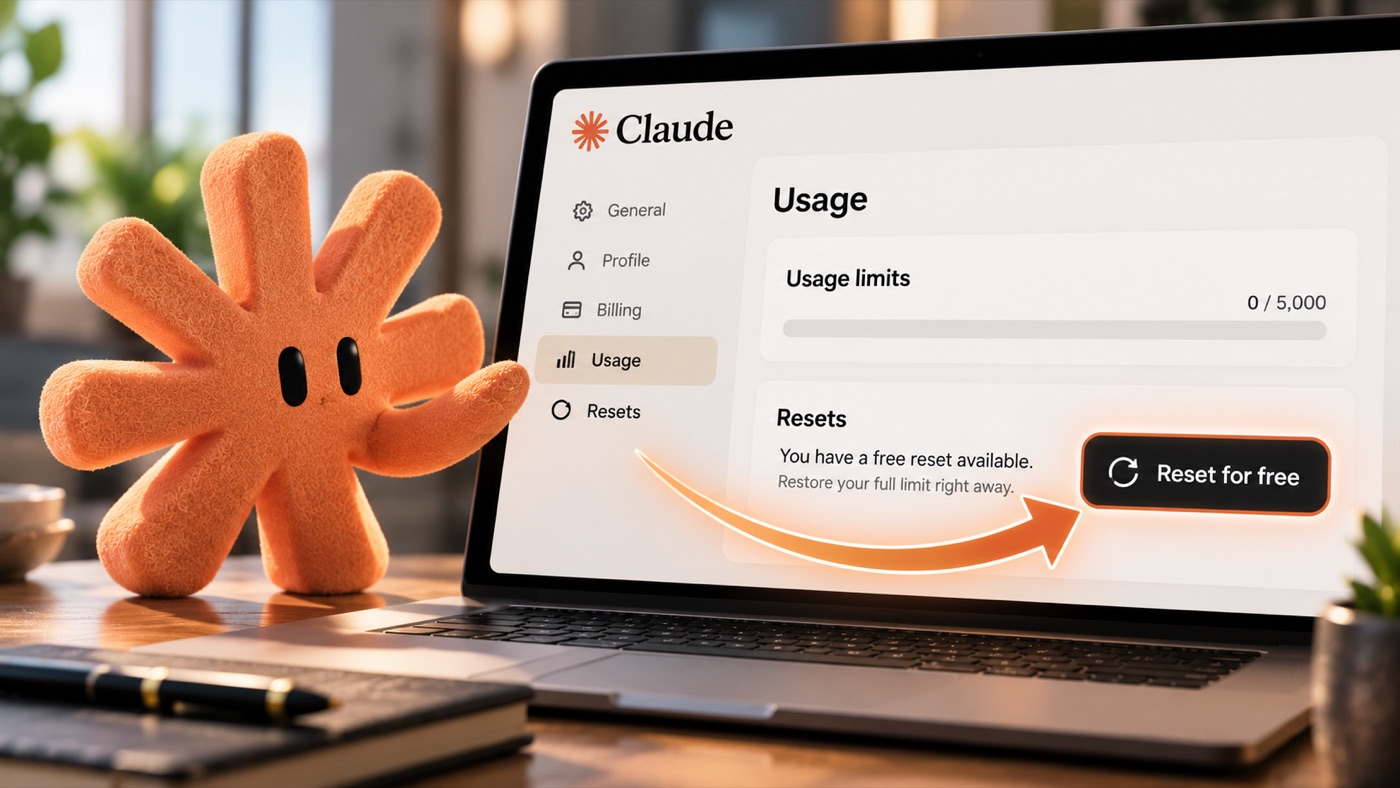
If you pay for Claude, you have a free reset waiting. Anthropic gave every Pro, Max, and Team account one. The next time Claude tells you you’ve hit your limit, go to Settings, then Usage, find Resets, and click Reset for free. Your limit goes back to full right away. It works on the website and in the desktop app, not in the phone app, and it expires October 22.
💫 Worth your 5 min
Three things worth more than a scroll-past.
1. Turn yourself into a 1985 portrait. The ’80s photo trend is everywhere right now, and it takes one upload. Open ChatGPT, go to Images, upload a clear, well-lit photo of your face, and paste this:
Turn this photo into a real-looking portrait from 1985. Keep my face, my age, and my skin tone exactly as they are. Give me 1980s hair and clothes, soft studio lighting, slightly faded color, light film grain, and a classic studio backdrop. It should look like a photo that was actually taken in 1985. No modern objects, no logos, nothing exaggerated.
Check that the face still looks like you. If it drifted, say “keep my face exactly the same” and run it again. Then ask for a yearbook photo or a mall-studio backdrop. Images are on every ChatGPT plan, including free. Fix one part of any image →
2. Dinner from a photo of your fridge. Open ChatGPT, take a photo of your open fridge, and send it with this:
You're my personal chef tonight. Before you suggest anything, ask me how many people I'm cooking for and whether there's anything we can't eat. Then tell me every real dinner I could make with only what you see in this photo. Ask me about anything you can't identify.
Want the whole week? Follow up with: “Now plan a week of dinners from what I already have. Use up what goes bad first, and list what’s missing.” One caution: a photo can’t tell ChatGPT whether something is still good, so you’re still the one who checks the dates.
3. 10 skills that keep you valuable while AI gets better. None of them need a course, a certificate, or a single line of code. They’re habits, like checking what AI tells you before you believe it, and letting it write the first draft so you’re editing and not starting from nothing. Pick two this week. Become the person AI can’t replace →
💛 One more thing
All Of My Guides and Resources are Free
I started all of this because I wanted to learn AI and couldn’t find anyone explaining it in plain English. So that’s what I do now, for anyone who wants it. Every guide on my site is free, and each one goes deeper than a video ever could, with the exact prompts, the steps, and the parts that trip people up. Go check them out. They’re genuinely helpful, and I’d love for them to be helpful to you.
And if this email made something click, share it. Forward it to a friend, send them a guide, tell them where you found it. That’s how more people get to learn this stuff, and that’s the whole point.
That’s this week. If one of these actually helped, hit reply and tell me, I read every single one.
Talk soon, Kelly