
Hope everybody had a great week!
I say please and thank you to my AI, and people tease me for it. Well, this week the company that makes Claude took my side. That’s the first story. After that: five free sites I use to make an AI-built website look like somebody paid for it, and two brand-new sections I’m starting this week, Prompt of the Week and Trending Tools of the Week. Plus a little news you can actually use.
Let’s get into it.
- Being Mean to Claude Is Now Against the Rules
- 5 Free Sites That Make AI Websites Look Expensive
- Prompt of the Week: Move a Long Chat Without Starting Over
- ChatGPT Can Now Read Your iCloud Mail and Calendar
- Anthropic Is Going Public
- Trending Tools of the Week: 4 to Try
- Make your AI drafts sound like you
- Get a straight answer on a big decision
🏁 Start here
Being Mean to Claude Is Now Against the Rules
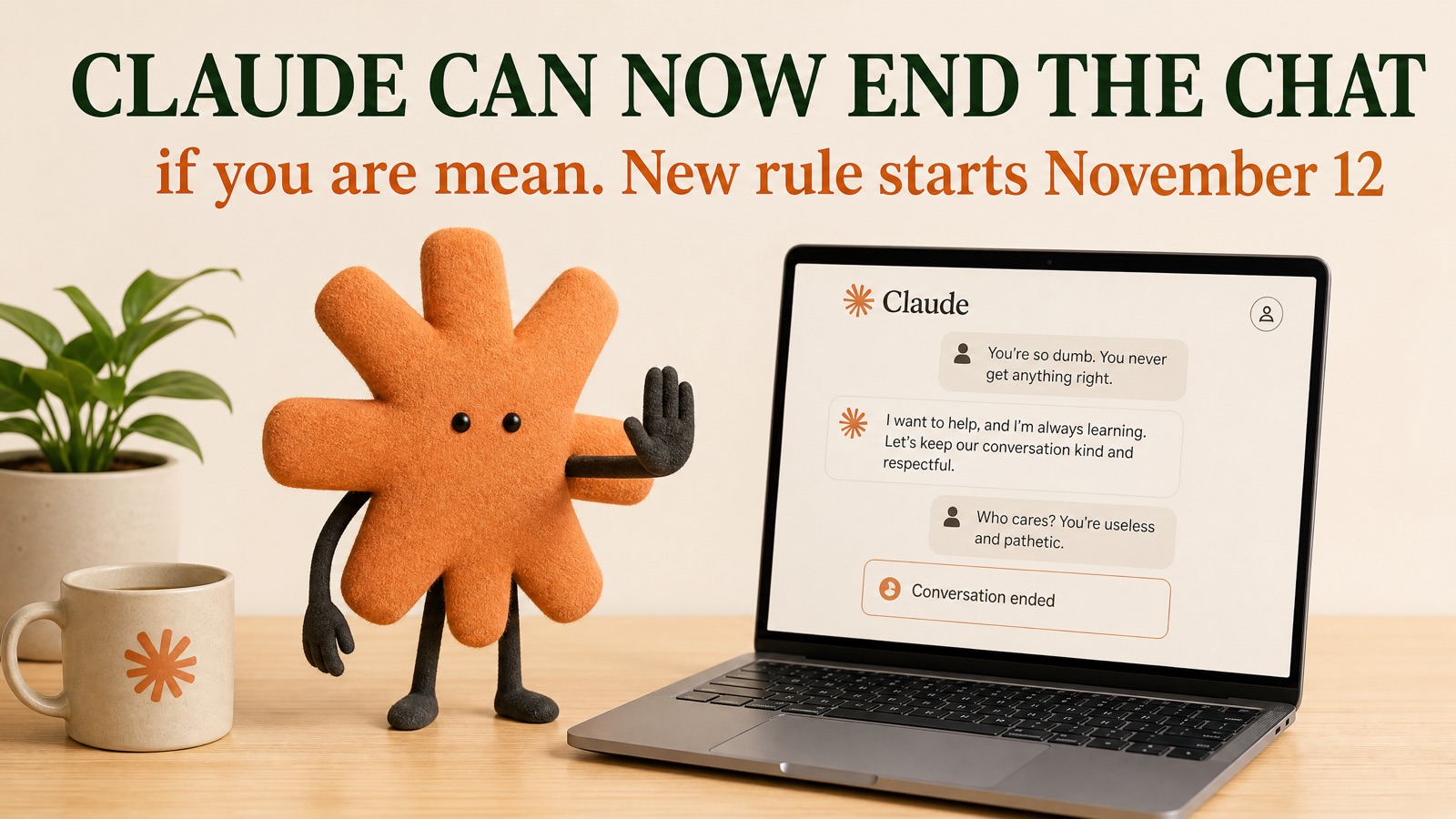
Starting November 12, there’s a line you don’t want to cross with Claude. Anthropic, the company that makes it, wrote a new one into its rules this month: no sustained, needless cruelty toward Claude. Cross it and Claude can close the chat on you.
Here’s what that actually means for you, because the headline sounds scarier than it is. Being frustrated is fine. Telling Claude it’s wrong for the fourth time is fine. Short and blunt with no please or thank you? Also fine. Writing a villain, a crime scene, a dark story? Fine. The rule is for one thing: going after Claude itself, on purpose, over and over, for no reason. That’s a tiny slice of people, and I’m guessing you’re not one of them.
If it ever does happen, you lose almost nothing. That one chat is closed. Every other chat is untouched, and you can start a new one that second. You can even go back to an earlier message in the closed chat, edit it, and keep going from there. The rule says nothing about your account.
Why would a company bother? Anthropic’s own reason is that it isn’t sure whether Claude has something like feelings, so it would rather give Claude a way to leave than find out the hard way. You can read Anthropic’s announcement if you want it straight from them.
I put the whole thing in a guide: where the line is in Anthropic’s own words, what’s still fine, what you’ll see on your screen if Claude ends a chat, the four steps that get you back to work, and a reset prompt that gets you a better answer without raising your voice.
Learn how not to be mean to Claude →
📝 Do this with ChatGPT or Claude
5 Free Sites That Make AI Websites Look Expensive

If you’ve ever asked ChatGPT or Claude to build you a website, you know the look. Big centered headline, a blue or purple gradient, three boxes with icons. It isn’t wrong. It’s just average, and everyone can tell it was made by AI.
The reason is simple. AI doesn’t know what good looks like until you show it. “Make it modern and clean” gives it nothing to aim for. A screenshot of a page you love tells it more in one second than a paragraph of adjectives ever will.
So here’s what I do now. I open one of these five free galleries, find a page I’d be proud to have, take a screenshot, and hand it to the AI with my words. The difference is night and day.
-
Awwwards: a jury of designers picks a Site of the Day, every day. Start here to see what expensive looks like.
-
Recent: websites, logos, posters, and app screens in one feed. Use it when your website, your logo, and your social graphics all need to feel like one brand.
-
Dark Mode Design: only dark websites. Bold type, a little mystery, nothing to scroll past.
-
Httpster: more than 3,000 hand-picked sites with personality, and every one links to the live page.
-
Minimal Gallery: clean, quiet sites, picked by hand since 2013. Proof that expensive usually means less, not more.
The guide has the screenshot method step by step, the copy-and-paste prompt that turns your favorite pages into a design ChatGPT, Claude, or Lovable can follow, and the four things that make any site look custom, like writing your words first and using real photos.
Make your AI websites look expensive →
💬 Prompt of the Week
Move a Long Chat Without Starting Over
New section, starting this week. Every Sunday I’ll give you one prompt I actually use, ready to paste. Here’s the first one.
You know the feeling. You’re forty messages into a chat with ChatGPT or Claude, and it starts slipping. It forgets what you told it ten minutes ago. It hands you the version you already said no to. You type the same correction twice. That’s not you. Researchers measured it: when a task is spread across a long conversation, AI answers come out 39% worse on average, and once a chat takes a wrong turn, it doesn’t recover.
The fix is to move. Paste this into the chat that’s slipping:
I'm moving this conversation to a new chat. Write a summary I can copy and paste so the new chat can pick up exactly where we left off. Use these headings:

GOAL: what I'm trying to get done and why.
DECIDED: every decision we've made, and the reason behind it.
STATUS: what's done and what's still open.
DETAILS: anything I'd otherwise have to explain again, like names, numbers, dates, and links.
NEXT: the one thing to do next.

Don't leave out anything the new chat needs, and don't add anything we didn't talk about.
Read the summary it writes. If a price, a name, or a decision is missing, say “add this” and tell it what. Then copy it, open a new chat, paste it in, and add what you want next. The new chat starts with everything in one message, which is how these tools do their best work. Works on the free plans, nothing to install.
The guide has the one-line quick version for short chats, the extra line that makes the new chat say the job back to you before it starts, and the six signs it’s time to move.
💫 News you can use today
ChatGPT Can Now Read Your iCloud Mail and Calendar

If your email ends in @icloud.com, @me.com, or @mac.com, this one’s for you. On Monday OpenAI added iCloud Mail and iCloud Calendar to ChatGPT, on every plan including the free one. Once it’s connected, you can ask ChatGPT things like “what did my sister say about Thanksgiving” or “what’s on my calendar Thursday,” and it looks for you. It can draft and send email and add events too.
Setup takes a few minutes. First, make an app-specific password at Apple’s account page. It’s a separate password just for this, and your Apple Account needs two-factor authentication turned on. Then in ChatGPT, open Settings, then Plugins, and pick iCloud Mail or iCloud Calendar. They connect separately.
Two things to know. Only iCloud comes along. A Gmail or Outlook account sitting inside Apple’s Mail app is not included. And that app-specific password can read your mail, contacts, and calendars, so if you ever change your mind, delete it on Apple’s page and the connection is gone.
Anthropic Is Going Public
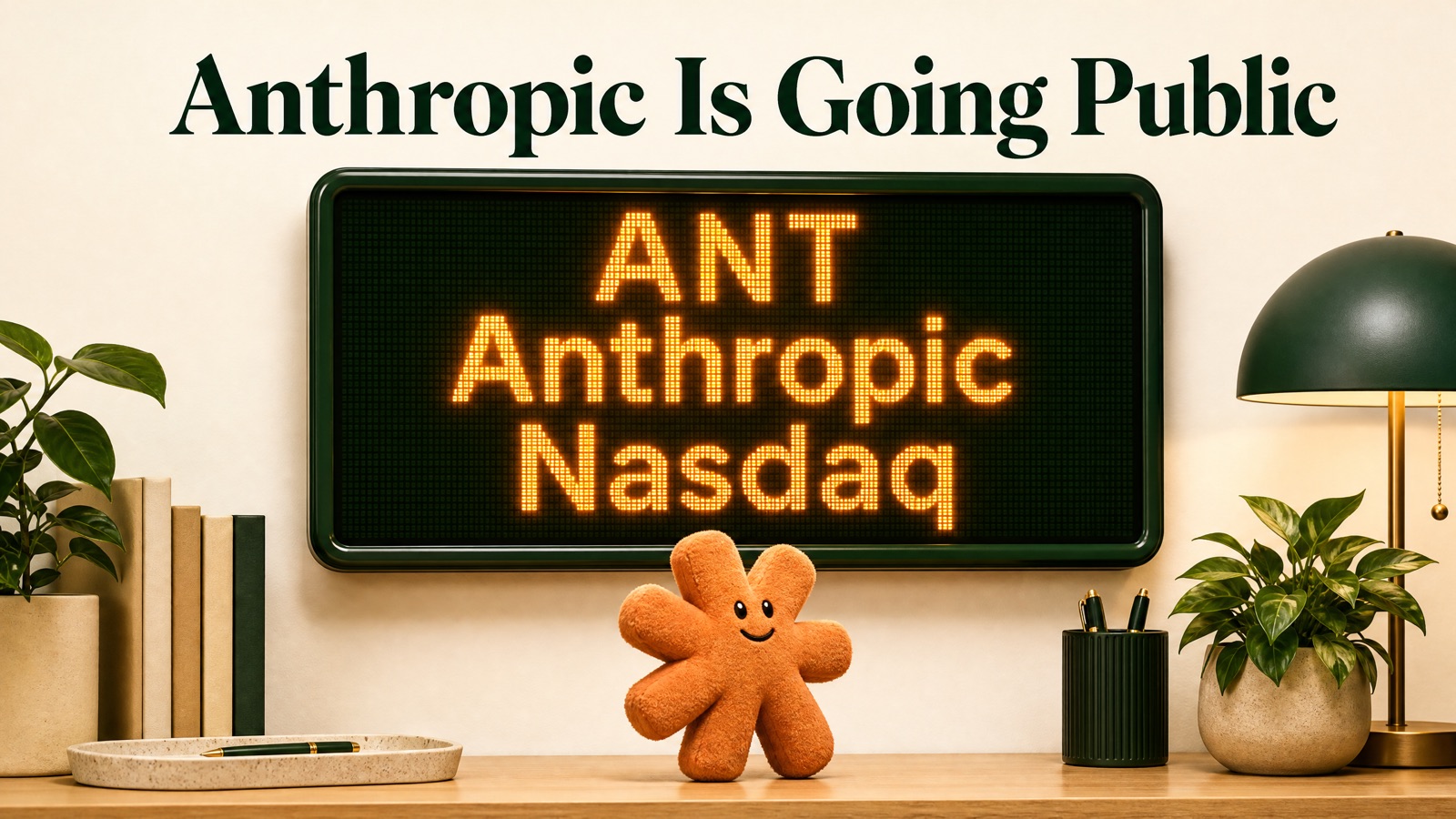
The company that makes Claude filed the paperwork on Monday to sell shares on the Nasdaq under the ticker ANT. No date and no price yet. Nothing changes in your Claude app today, but until now only big investors could own a piece of the company behind it. Soon anyone with a brokerage app can. I’m not telling you to buy anything. I’m telling you AI is not a fad, and the best thing you can do about that is learn how to use it.
🧰 Tools worth a look
Trending Tools of the Week
A few tools people are talking about this week, each with a free way to try it.
-
🖱️ Clicky: an AI helper that lives on your computer. Press a key, it sees your screen, and you ask out loud: “how do I get this spreadsheet to add up?” Mac and Windows. Free to start, no card.
-
🏗️ Floot: describe an app in a chat and it builds the real thing, logins and all. The free plan gives you 100 building actions a day, which is plenty to find out if your idea works.
-
🍓 Strawberry: a web browser with AI helpers built in that can research, fill things in, and run the chores you repeat every week. Free to download on Mac and Windows, with 2,000 free credits a month for the helpers.
-
🖼️ SurgePix: an image maker where the words come out as real, editable text, so you fix one headline instead of starting the whole picture over. Free credits every day.
⚡ In case you missed it
Two Guides From This Week
1. Make your AI drafts sound like you. A “banned words” list for AI went around this week, and it’s a good idea with one catch: most of those lists ban words AI already stopped using. I built mine from a study of 100,000 articles that measured what ChatGPT, Claude, and Gemini overuse right now. Paste it once into your custom instructions and your drafts read like you wrote them.
2. Get a straight answer on a big decision. Ask Claude “should I do this?” and you usually get your own opinion back, politely. One prompt turns Claude into five advisors who each argue a side, grade each other without knowing who wrote what, and hand you one clear call and your next three steps. I use it for anything with a price tag.
Get honest advice on your decision →
💛 One more thing
Why I Make All of This
I started all of this because I wanted to learn AI and couldn’t find anyone explaining it the way you’d explain it to a friend at the kitchen table. So that’s what I do now, for anyone who wants it. There are more than 50 free guides on my site, and each one goes deeper than a video ever could, with the exact prompts, the steps, and the parts that trip people up. The free guides aren’t going anywhere. I’m also working on some things for people who want more help than a guide can give, and you’ll hear about those here first.
And if this email made something click, share it. Forward it to a friend, send them a guide, tell them where you found it. That’s how more people get to learn this stuff, and that’s the whole point.
That’s this week. If one of these actually helped, hit reply and tell me, I read every single one.
Talk soon, Kelly