
Hope everybody had a great week!
Quick question. When an email or a post feels a little too polished, what’s the first thing you look for? If you said the long dash, you’re not alone. I did it too. It doesn’t work anymore, so that’s where we’re starting, and then I’ll show you how to make your own AI drafts sound like you.
Let’s get into it.
- How to Tell If AI Wrote Something (Hint: It's Not the Em Dash)
- The Humanizer Prompt, October 2026 Edition
- The 7 Claude Prompts I Used to Plan My Way Out
- You Can Finally Tell Facebook What You Want to See
- Check any bill before you pay it
- Get a second opinion from a different AI
- Your blood test results, explained
🏁 Start here
How to Tell If AI Wrote Something (Hint: It’s Not the Em Dash)

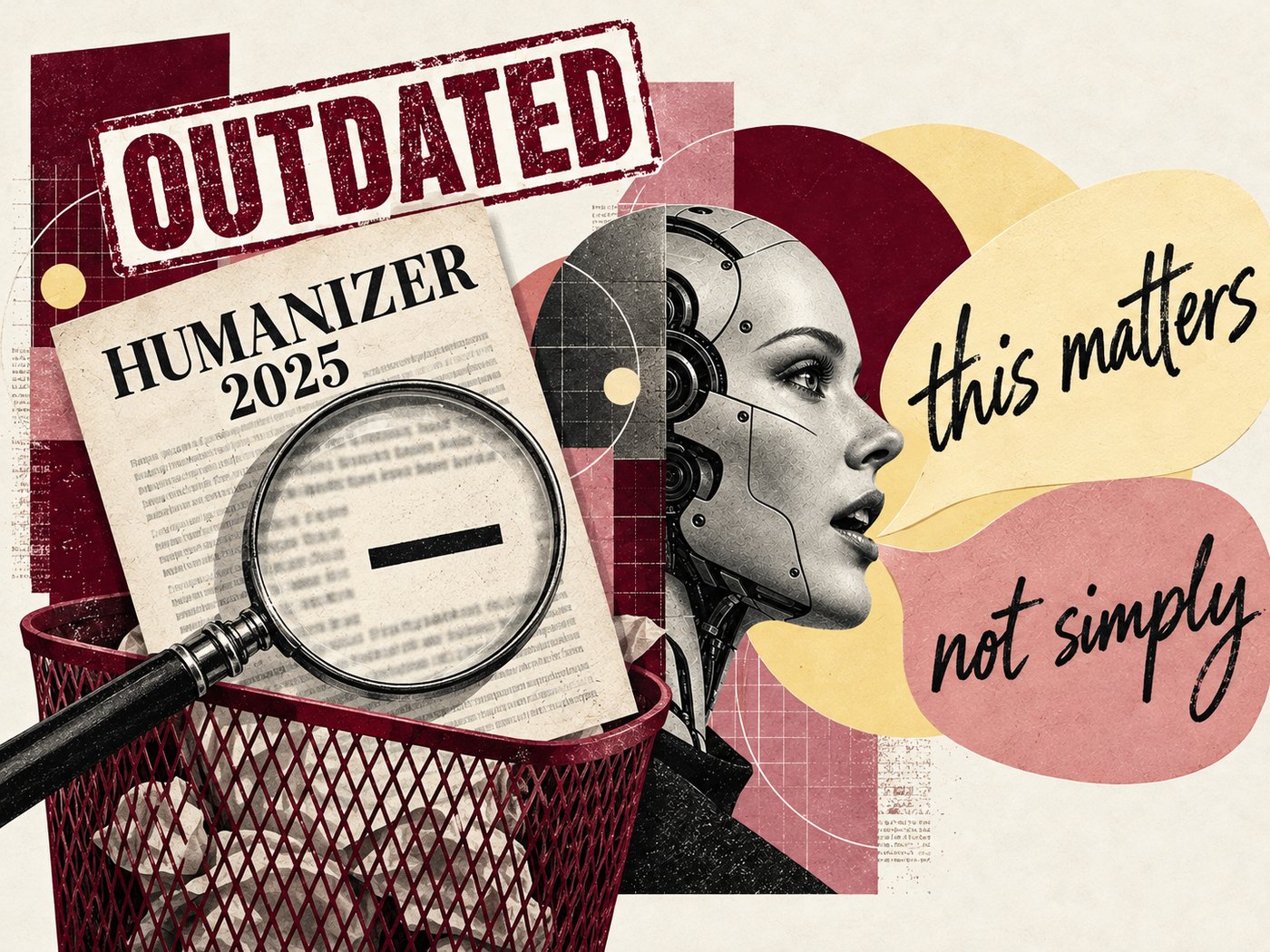
For about two years, the em dash was everybody’s AI detector. You’d see that long dash in a text, a cover letter, or a “personal” note from a business, and you’d think, yep, ChatGPT wrote that.
That stopped working. The newest ChatGPT, Claude, and Gemini barely use it anymore. Claude cut it by about 99 percent. So if you’re still hunting for the dash, you’re probably accusing real people (who love a good dash) and missing the AI completely.
Why should you care? Because you’re deciding who to trust based on how things sound. The review that talked you into buying something. The email from a company asking you to click a link. The note your kid swears they wrote themselves. And if you use AI to help you write, it’s the other side of the same coin: people are judging your emails and posts too.
The tells didn’t go away. They just changed. Each AI has its own favorite phrases now:
-
Claude loves “this matters.” It writes that 116 times more often than a person would.
-
ChatGPT loves “not simply,” as in “this is not simply a checklist.” That one’s 157 times more often.
-
Gemini loves “it’s not just a tool, it’s a whole system.”
My favorite part is what real people do that AI almost never does. We use exclamation points, about 100 times as often! We use parentheses. We say “my mom,” “last year,” “sort of.” Real people are messy, and right now, messy is the best proof that a human wrote it.
I put all 20 new signs in one guide, split by ChatGPT, Claude, and Gemini, with a sixty-second check you can run on anything someone sends you.
Spot AI Writing in Sixty Seconds →
✍️ Do this with ChatGPT or Claude
The Humanizer Prompt, October 2026 Edition
If you use AI to help write your emails, posts, or product descriptions, you want them to sound like you, not like a robot. People can tell, and it costs you their trust.
You probably copied a humanizer prompt at some point. Most of us did. It told AI to stop saying “delve” and “tapestry” and to drop the em dash. The problem is, the newest models already stopped doing all of that on their own. So that old prompt is fixing last year’s problem while this year’s tells slide right through.
So I rebuilt it from this year’s numbers. It tells AI to write the way a real person does. Use contractions. Mix short sentences with long ones. Name a real date or place. And it bans the 74 words and phrases the newest models can’t stop using. Paste it at the top of a new chat, paste your draft underneath, and it comes back sounding like you on a good day.
It works on every plan, free included, and there’s nothing to install. If you write with AI a lot, the guide also shows you where to save it so it’s on in every chat without pasting it each time.
Make Your AI Drafts Sound Like You →
🌱 From me
The 7 Claude Prompts I Used to Plan My Way Out
This one’s personal.
For a long time, I knew I was done with my job. What I didn’t know was where I’d go, what I was worth anywhere else, or how I’d leave without blowing up my finances. That’s a lonely place to sit. You can’t exactly talk it through at work.
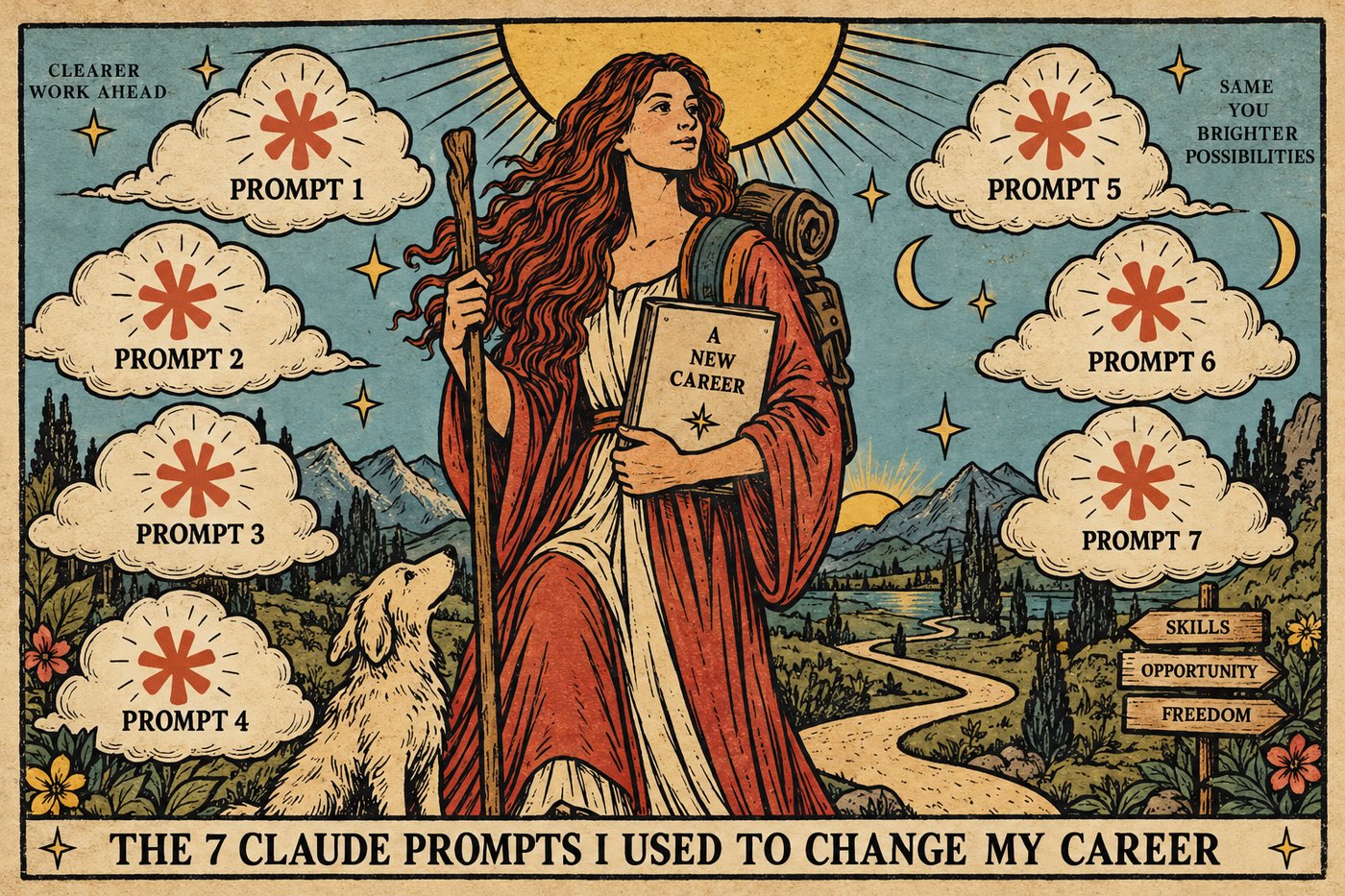
So one night I sat down with Claude and asked it to help me figure it out. One question at a time, in the same chat:
-
Where could I realistically go?
-
What drains me about the job I have now?
-
What skills do I already have that other work pays for?
-
What does the new path really pay?
-
How do I try it on the side for 30 days, before I quit anything?
-
What month can I leave without putting my bills at risk?
-
What’s one thing I can do this week?
I’m sharing all seven prompts I used, in order. Here’s the first one to get you started. Before you paste it, give Claude your whole work life, not your resume. What you actually did at every job. What coworkers come to you for. What you’ve been quietly curious about for years. The messier and more honest you are, the better this gets.
I've spent years building a career I don't want anymore, and I'm ready for a change, but I don't know where to start. Here's my background: [paste]. Map out 3 realistic paths to a different kind of work or income, easiest first. Explain why each fits me and which I should explore first.
When I ran this, Claude gave me three directions, and none of them were the trendy jobs you see on every list. They came from things in my own background I’d stopped even noticing. That’s the part that got me.
And it’s how I ended up here. I was in healthcare, and those prompts are a big part of how I landed in AI education: making videos that explain this stuff simply, building free guides, and writing this newsletter you’re reading right now. I’m still building my way out, one step at a time, and I’m loving it.
If you’ve been sitting on that “I want out” feeling, this is a good place to start. It works on every Claude plan, including free. That’s just Prompt 1. Get all seven prompts I used, in order, with what to tell Claude for each one, in my free guide.
Plan Your Way Out in 7 Prompts →
💫 This week in AI
You Can Finally Tell Facebook What You Want to See
Raise your hand if your Facebook feed is full of stuff you never asked for. Yeah. Me too.
On October 13, Meta started rolling out something called Your algorithm. Tap the three dots on any post, and there’s now a place where you can tell Facebook, in your own words, what you want more of and less of in your Feed and Reels. Garden ideas, yes. Political arguments, no thanks.
It works from the posts themselves too. When you tap “Interested” or “Not interested,” Facebook may ask a quick follow-up question, and you can answer it the same way. Meta says your feed updates right away.
I love this one because it’s AI working for you instead of on you. For years the algorithm guessed what you wanted. Now you can just tell it. It’s still rolling out, so if you don’t see it yet, check again in a few days.
💫 Worth your 5 min
Three quick ones that could save you money, a headache, or both.
1. Check any bill before you pay it. Vet bills, car repairs, and medical bills are full of line items most of us can’t read, so we just pay them. Next time, take a clear photo of the itemized bill, upload it to ChatGPT or Claude, and paste this:
Go through this itemized bill line by line. Explain each charge in everyday words. Then tell me which charges look unusual, duplicated, or possibly unnecessary for my situation, and give me the exact questions to ask before I pay. My situation: [what the visit or repair was for].
It doesn’t know every price in your town, so treat what it flags as questions to ask, not proof somebody made a mistake. But walking in with the right questions changes the whole conversation. One family put a $195,000 hospital bill through Claude, found services charged twice and the wrong billing codes, and got it down to $33,000.
2. Get a second opinion from a different AI. Before you sign a lease, send a big email, or commit to a plan, paste it into a different AI than the one that helped you write it. If ChatGPT wrote it, ask Claude. If Claude wrote it, ask ChatGPT.
Read this like a skeptical reviewer. List no more than 7 real problems, the ones most likely to happen and most costly if they do, starting with the worst. Keep real flaws separate from unlikely what-ifs. Don't rewrite anything yet.
The AI that helped you write it is a little too attached to it, and that’s not just a hunch. In a University of Maryland study this summer, AI models picked their own version of a resume over the person’s original about 67 to 82 percent of the time, even when the two were equally good. A fresh AI doesn’t have that soft spot.
3. Your blood test results, explained. If you’ve ever stared at a page of numbers with a few marked high or low and no explanation, this one’s for you. Cover your name, birthday, and any ID numbers first. Then upload the results to ChatGPT or Claude and paste this:
Explain these blood test results in everyday words. Start with anything outside the normal range printed on the report and what that measure usually means. Don't diagnose me. Then give me a one-page list of questions to bring to my doctor.
Your doctor still makes the call. In a Mount Sinai study this year, ChatGPT’s health tool under-triaged more than half of the test cases that doctors said needed emergency care. So use AI to understand your numbers and to get ready for your appointment, never to decide whether you need care. You just walk in knowing what your numbers mean and what to ask.
💛 One more thing
All Of My Guides and Resources are Free
I started all of this because I wanted to learn AI and couldn’t find anyone explaining it in plain English. So that’s what I do now, for anyone who wants it. Every guide on my site is free, and each one goes deeper than a video ever could, with the exact prompts, the steps, and the parts that trip people up. Go check them out. They’re genuinely helpful, and I’d love for them to be helpful to you.
And if this email made something click, share it. Forward it to a friend, send them a guide, tell them where you found it. That’s how more people get to learn this stuff, and that’s the whole point.
That’s this week. If one of these actually helped, hit reply and tell me, I read every single one.
Talk soon, Kelly