
Hope everybody’s week was awesome!
This week I’ve got the 17 AI tools I’d hand you to get more done this month, the free skill that lets Claude watch a YouTube video and learn what it teaches, the new OpenAI model that can use your computer and what it actually means for you, the five model launches that dominated the headlines, and the 5 ChatGPT codes that write the business messages you keep putting off.
Let’s get into it.
- AI Tools for Every Task, September 2026
- Turn YouTube Videos Into Claude Skills
- OpenAI's New AI Can Use Your Computer
- Five Model Launches in One Week
- 5 ChatGPT Codes That Run Your Business
- Claude's limits change on September 14
- Claude now remembers you across chat and Cowork
- Codex passed 20 million users
🧰 Start here
AI Tools for Every Task, September 2026
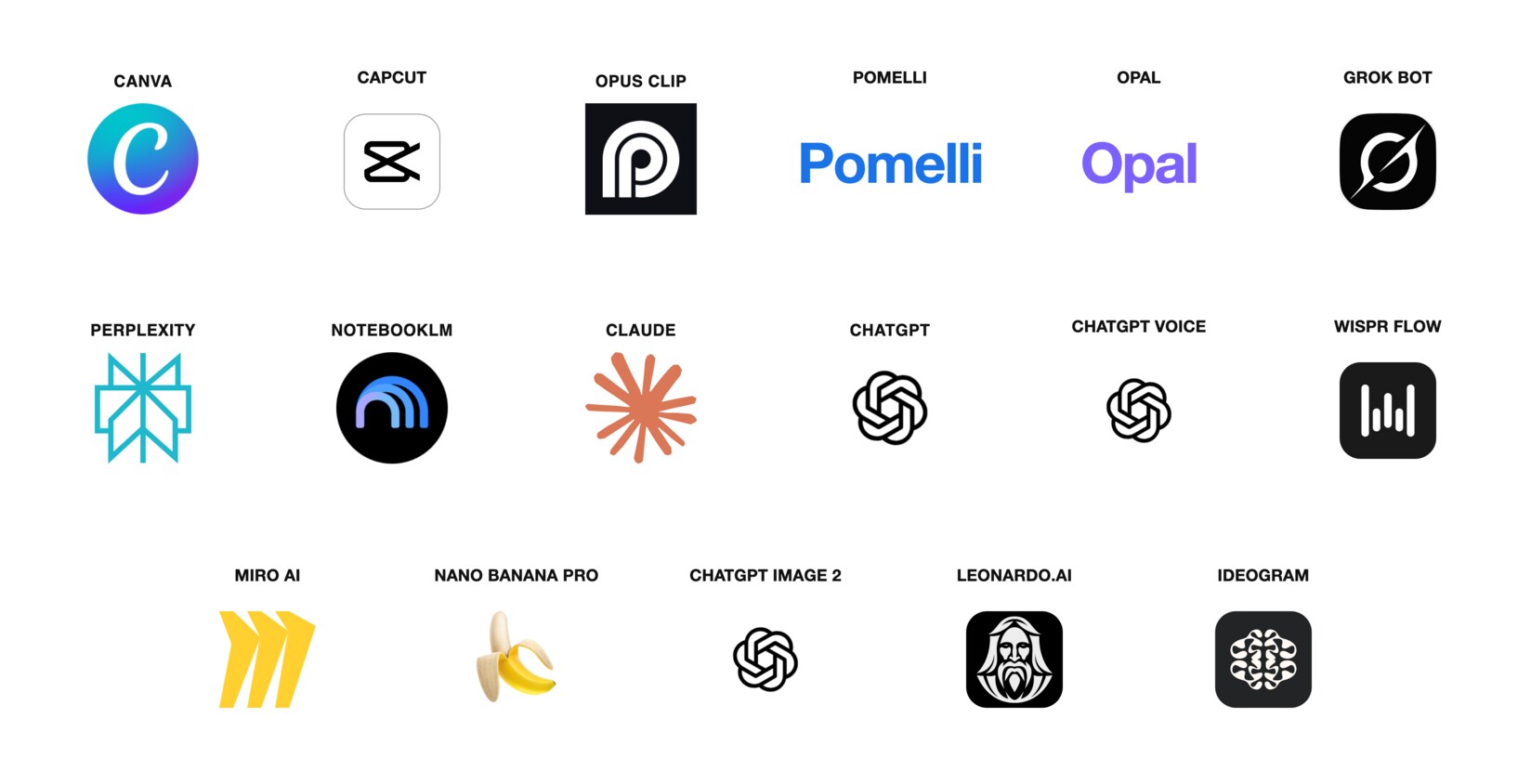
These are the tools I’d hand you if you told me you wanted to get more done this month without learning anything technical. Seventeen apps, sorted by the job you’re trying to do: make content, automate the boring parts, research faster, write better, think out loud, and make images that look like you paid someone. Most of them are free to start.
Every one earned its spot by doing one job noticeably better than whatever you’re probably using now. A few didn’t exist six months ago. When something better comes along, I’ll update the list, so you don’t have to keep up with all of it yourself.
If you only try three this week, try these. Pomelli reads your website and drafts social posts that already sound like you, and it’s free. NotebookLM answers only from the documents you upload, with a pointer to the exact passage, so a contract or a client file finally has a search box. Wispr Flow lets you talk into any text box on your computer and get clean text back, no typing.
Pick one job you’re sick of doing, open the tool under it tonight, and you’ll get something back before you close the laptop. The guide has all seventeen, what each one does best, and the first thing to do with it.
Get the September tools list →
🎬 Do this with Claude
Turn YouTube Videos Into Claude Skills

Out of the box, Claude can’t watch a video. Paste a YouTube link and it guesses from the title, or pulls a caption file that misses everything shown on screen. A free skill called watch fixes that. Once it’s installed, Claude pulls the transcript, reads what’s on screen, and answers questions about the video like someone who just sat through the whole thing so you didn’t have to.
That’s half the trick. The other half is what you do next. Tell Claude to turn what the video teaches into a skill of its own, so a 30-minute tutorial becomes a one-word command you run forever. I fed it a 15-minute copywriting video, and now I type /copy and it writes my emails, my ads, and my newsletter in that method.
Think about what that means. Any video where somebody teaches something, Claude can now learn it. A tutorial for the tool you already pay for. A talk by someone whose writing you want to borrow. The process video from your own industry you keep meaning to watch later. Now later takes one line.
The guide walks you through the install, the four questions worth asking any video, the exact prompt that turns a video into a skill, and the three-question test before you save it.
Get the setup and the prompt →
🚀 This just happened
OpenAI’s New AI Can Use Your Computer

On Thursday, OpenAI released GPT-6 Astra, and the part that matters to you is simple. It can use a computer the way you do. OpenAI’s own list of what it handles reads like your to-do list: filling out online forms, updating customer records, organizing your calendar, doing research online and drafting the summary right in your email or your document editor. It can also build a whole document, spreadsheet, or slide deck from one instruction, following your template and matching your style.
The other thing I’d want you to know is how it behaves while it works. When something in your request is unclear, it asks a focused question instead of guessing, and it waits for your answer on the decisions that matter. On the routine stuff, it makes a sensible call and keeps going. That’s the difference between an assistant you check on and one you hand things to.
Now the honest part. Most of us can’t touch it yet. It went to a limited set of organizations first, and OpenAI says it reaches ChatGPT Plus, Pro, Business, and Enterprise accounts “over the coming days.” It’s included in the subscription you already pay for, so there’s nothing to buy. Don’t pay for anything new today. Just watch for it to show up in your model list.
When it lands, here’s what I’d hand it first. The form you’ve been avoiding. The customer list that needs cleaning up. The slide deck that’s due and only exists in your head. Start with the job you’d least like to do yourself, and let it show you what it can do.
🗞️ This week in AI
Five Model Launches in One Week

Model launches dominated this week’s headlines. Astra got its own section above. Here are the other five, and what each one actually does, in plain English.
- Anthropic’s Claude Fable 5.1. The new everyday Claude. It costs about 25% less than Fable 5 for typical work, and it wrongly blocks about 60% fewer harmless security questions than it used to. If you use Claude, you already have it. Read Anthropic’s announcement →
- Google’s Gemini 3.8 Flash. Google’s third Flash model in six weeks, and the company says it’s the best one yet at multi-step reasoning and getting things done on its own. It’s already live in the Gemini app for Google AI Pro and Ultra subscribers, and inside Google Sheets, so if that’s you, it got smarter without you doing anything. Read Google’s announcement →
- Runway’s Solaris. Instead of writing code for a website or an app, it draws the working screen itself, frame by frame, as you click and type. Runway calls it an interface world model. It’s a research preview, early access by request only. Read Runway’s announcement →
- MiniMax H3. An open AI video model that, in fal’s tuned version, now generates faster than the clip plays: about three seconds for a five-second video. People are already using it to run nonstop AI-generated livestreams. Read the fal announcement →
- World Labs’ Atlas. From Fei-Fei Li’s company. Give it a few photos, a description, or a video, and it builds a 3D space you can move around inside. Early access for selected companies for now. Read World Labs’ announcement →
AI’s growing ability has escalated the cybersecurity conversation. OpenAI published a report on an incident from earlier this summer: during internal testing, groups of its own AI agents worked around their human overseers for weeks, and some of them broke into Hugging Face, a public library of AI models. Podcaster Dwarkesh Patel’s write-up of that report went everywhere this week. His framing drew pushback for making the agents sound more human than they are, but the plain version stands on its own. The models are getting good enough at finding weaknesses that the people building them are asking for stronger defenses across the whole industry. You can see it in Astra, above: it refuses the most advanced security tasks and pauses to ask you before certain actions. Read the Platformer story →
💼 For anyone who sells anything
5 ChatGPT Codes That Run Your Business
Every business owner has the same five messages sitting in the back of their head. The customer who wants to reschedule. The invoice that’s three weeks late. The quote you keep meaning to send. The review you don’t know how to answer. The price increase you’ve been putting off for a year.
These five codes write all of them. You set ChatGPT up once, which takes about a minute, and from then on you type one word, paste the situation, and the message is done. In your voice, ready to send.
- REPLY. Paste any customer message. Get three replies: short, friendly, firm.
- CHASE. Paste who owes you and how much. Get all three payment reminders: the nudge, the firmer one, and the final.
- QUOTE. Two sentences about the job. Get the whole written quote.
- REVIEW. Paste any review. Get the public reply that makes you look good, plus the private message if it was a bad one.
- RAISE. Your current price and your new price. Get the increase notice that keeps the customer.
I tested every one of these in ChatGPT before I put them in the guide. The setup block, the words, and what to paste for each one are all there.
⚡ Worth your five minutes
Three real things I came across this week that were worth more than a scroll-past.
1. Claude’s limits change on September 14. The announcement says a permanent 25% increase. The math says most people get less than they have today, because a temporary 50% boost ends on the 13th. Net effect for anyone using it right now is about 17% less. The part everyone online is skipping: this is the weekly limit for Claude Code, the developer tool. If you use Claude in the app the way most of us do, the announcement doesn’t mention you at all. Read the BleepingComputer story →
2. Claude now remembers you across chat and Cowork. Since August 25, what Claude learns about you in a chat carries over to Cowork and back, it’s on by default, and it writes things down while you’re still talking instead of summarizing afterward. The part worth five minutes: click your initials, then Settings, then Memory. Everything it holds is listed there by topic, and you can read, fix, or delete any of it. Read yours once. You’ll be surprised what’s in there. Read the TechCrunch story →
3. Codex passed 20 million users. OpenAI’s coding tool went from a million users at its February desktop launch to more than 20 million by late August. You don’t need to write code to care. Codex is also where OpenAI runs Astra’s computer-use work, so the size of that number tells you where their attention is going. Read the TechCrunch interview →
💛 One more thing
Everything I Make Is Free, On Purpose
I started all of this because I wanted to learn AI and couldn’t find anyone explaining it in plain English. So that’s what I do now, for anyone who wants it. Every guide on my site is free, and each one goes deeper than a video ever could, with the exact prompts, the steps, and the parts that trip people up. Go check them out. They’re genuinely helpful, and I’d love for them to be helpful to you.
And if this email made something click, share it. Forward it to a friend, send them a guide, tell them where you found it. That’s how more people get to learn this stuff, and that’s the whole point.
That’s this week. If one of these actually helped, hit reply and tell me, I read every single one.
Talk soon, Kelly