
20 Million ChatGPT Chats Went to Court
Why 20 million ChatGPT conversations ended up in a lawsuit, who else can see what you type, the settings that keep your chats to yourself, and the short list of things to never paste into any AI, so you can use ChatGPT for real work or personal use without wondering who else is reading.
Save it, print it, read it offline. It's yours.
In January 2026, a judge upheld an order for OpenAI to hand about 20 million ChatGPT conversations to the lawyers in a lawsuit. Names were stripped out. The words were all still there. That’s the extreme case, and you’ll get the whole story below. Day to day, three other groups can see what you type, and you can shut every one of them out in about ten minutes, with nothing technical required. You can use ChatGPT for the real stuff, the client email, the money question, the thing you’d only say to a friend, and still keep it to yourself. This guide walks you through every setting in order, explains who can actually see your chats and why, and gives you the short list of things that should never go into any AI tool, no matter how private the settings are. Do it tonight so that you have peace of mind.
Four groups can see what you type: ChatGPT's training system, a small number of people at OpenAI, anyone you've shared a link with, and, as 20 million conversations just proved, a court. You can shut out the first three in Settings. The fourth you handle by never pasting the things on the list in Part 3. That's the whole plan.
None of this is a secret. It’s all in OpenAI’s own help pages and privacy policy. It’s just that nobody reads them, and every one of these doors is open by default the day you create an account. Here’s who is on the other side of each one, why the door exists, and what it means for you.
1. ChatGPT itself: your chats are training material by default
Every personal ChatGPT account, whether it’s Free, Plus, or Pro, starts with a setting called “Improve the model for everyone” switched on. While it’s on, the things you type can be used to train the next version of ChatGPT. Not just the questions, the whole conversation: the draft you pasted in, the numbers you asked it to check, the message you were nervous about sending.
Why it works this way. A model gets better by learning from real conversations, and the easiest place to get millions of real conversations is from the people already using it. So OpenAI made training the default and put the switch to turn it off a few clicks deep in Settings. You never agreed to it in any way you'd remember. You just didn't turn it off.

What it means for you. Nothing you’ve typed is going to show up word for word in someone else’s answer. That’s not how training works. But your words are in the pile, and once a model has been trained on them, there’s no taking them back out. The fix is one switch, and it’s the first thing in Part 2. Flip it once and every new chat stays out of the pile, on every device you use.
2. Real people at OpenAI: a small team can read your conversations
This is the one that surprises people most. OpenAI allows a limited number of its own employees, and outside contractors it hires, to read actual conversations. The company says so in its privacy policy. It isn’t everyone’s chats being read by everyone. It’s specific conversations pulled for specific reasons, by people who are paid to look.
Why it works this way. Two reasons. The first is safety: if a conversation trips an alarm for abuse, self-harm, or something illegal, a person looks at it to decide what to do. The second is quality: to teach the model what a good answer looks like, people read real exchanges and grade them. Was this helpful? Was it accurate? Was it safe? That grading is part of how ChatGPT gets better between versions.
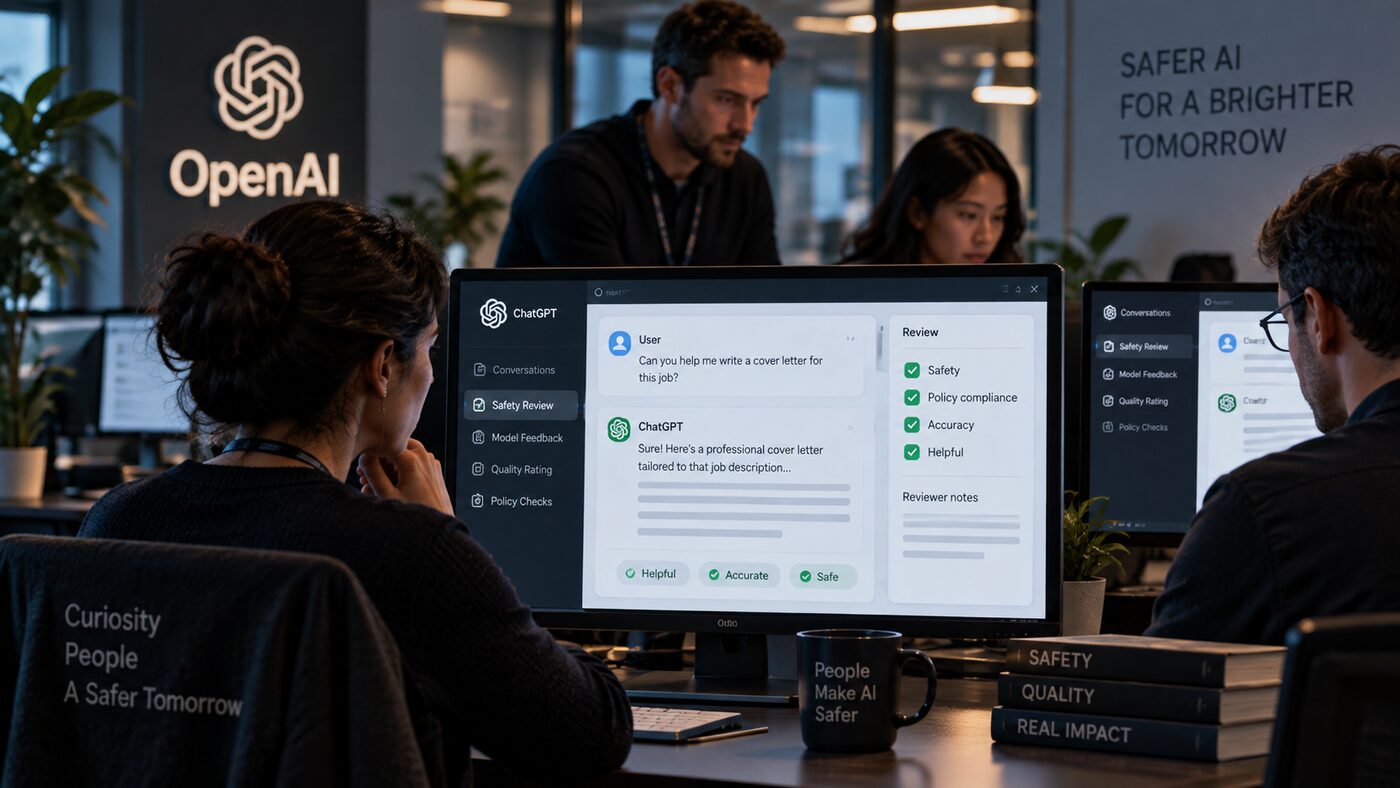
What it means for you. Turning off training shrinks this a lot, because the grading side goes away when your chats aren’t in the training pile. The safety side doesn’t go away, and no setting turns it off, not even Temporary Chat. So the honest rule is: assume a person could read it. If that thought makes you wince, the never-paste list in Part 3 is for you.
3. Anyone with a link: one click makes a chat public
Every ChatGPT conversation has a Share button. Press it, and ChatGPT creates a web page with a copy of that conversation on it. Anyone who has the address can open the page. They don’t need a ChatGPT account. They don’t need to know you. And anyone who opens it can forward the address to anyone else.
Why it works this way. Sharing is useful. You want to send a friend the recipe, or show a coworker the answer. The trouble is that a shared link never expires on its own, and most people forget they made it. In the summer of 2025, thousands of shared ChatGPT conversations turned up in Google search results. A checkbox on the share screen had let people make their chats "discoverable," plenty of people ticked it without understanding what it meant, and Google did exactly what Google does. Some of those chats had names in them. Some had things people would never have said out loud.

What it means for you. That checkbox is gone now, and OpenAI says shared pages aren’t meant to be indexed anymore. But every link you’ve ever created still works until you delete it, and a link doesn’t need Google to be a problem. It only needs one person to forward it. Part 2 shows you where the full list of your links lives. Most people are surprised by how long it is.
4. The court: 20 million conversations, handed over
Here’s the one no setting can touch. News publishers, including The New York Times, sued OpenAI over how it trained its models. As part of that lawsuit, a judge ordered OpenAI to hand over about 20 million ChatGPT conversations to the publishers’ lawyers. OpenAI fought the order. In January 2026 a higher judge upheld it.
Why it works this way. This is just how lawsuits work. When two sides fight in court, each can be ordered to produce evidence, and ChatGPT conversations are evidence of how the product gets used. The logs were de-identified first, meaning names and account details were stripped out. But de-identified isn't the same as anonymous. If you typed your own name, your town, or your company into a chat, that's still sitting in the words themselves.

What it means for you. You can’t change a court order, and a legal hold can pause the normal 30-day deletion clock on chats you’ve already deleted. So this door gets closed differently: not with a setting, but with what you decide to type in the first place. That’s Part 3, and it’s the part that protects you no matter what happens at OpenAI.
That’s the honest picture. Now here’s how to close the doors you’re allowed to close.
Do these top to bottom. On a computer, click your name or initials in the bottom-left corner to open Settings. On the phone app, open the side menu, tap your profile icon, and you’ll find the same options.
Setting 1: Stop training on your chats. Settings, then Data Controls. The first thing you’ll see is “Improve the model for everyone.” Turn it off. That’s it. Your chats stay in your history for you to use, they just stop being lessons for the model. This applies to your whole account, so you only do it once.
Setting 2: Delete old shared links. Same Data Controls page. Find “Shared links” and click Manage. You’ll see every link you’ve ever created, including ones you forgot about. Delete any you don’t need. If the list is long, open the three-dot menu at the top and choose “Delete all shared links.” Two things worth knowing: deleting a link doesn’t delete the original chat (it’s still in your history), and turning off training in Setting 1 doesn’t touch your links. They’re separate. Do both.
Setting 3: See what it remembers about you. Settings, then Personalization, then Memory. ChatGPT keeps a running summary of what it’s learned about you from your chats: your job, your family, what you’re working on, things you mentioned once and forgot. Read it. It’s usually more than people expect. You can type a correction in the box at the bottom, or open the three-dot menu and choose “Delete and turn off memory” if you’d rather it kept nothing. One catch: deleting memory doesn’t delete your past chats, and if you turn memory back on later it can rebuild the summary from chats still in your history. If you want something truly gone, delete the chat it came from too.
Setting 4: Use Temporary Chat for anything sensitive. Open a new chat and click the pill-shaped “Temporary” button in the top-right corner. A Temporary Chat doesn’t show up in your history, doesn’t create memories, and isn’t used for training. OpenAI may keep a copy for up to 30 days for safety checks, then it’s gone. This is the mode for the health question, the money question, and the message you’re drafting about someone you know. Make it a habit: if you’d lower your voice to say it, use Temporary Chat to type it.
Setting 5: Delete the chats you’d rather not keep. In the sidebar, hover over any chat, click the three dots, then Delete. Deleted chats are removed from OpenAI’s systems within 30 days, unless a legal hold applies to them. That 30-day window is why the next part matters. Deleting is good. Not pasting it in the first place is better.
Settings protect you from most things. They can’t protect you from a court order, a security breach, or a screenshot. So the last layer is you. Here’s the list. Print it, screenshot it, tape it to the monitor.
You almost never need the real thing to get a good answer. ChatGPT writes the same great email to “my client Dana” as it does to a real name. It handles a budget just as well with “$4,200 a month” swapped in for the actual figure. So here’s the habit that makes the whole list easy:
Before you paste anything real, swap names for roles ("my client," "my manager," "my sister"), swap exact numbers for round ones, and cut any line that identifies a specific person. You'll get the same quality answer. Then, when you use it, put the real details back in yourself. Thirty seconds of swapping is the cheapest privacy you'll ever buy.
The training toggle. Open Settings, then Data Controls on your phone, after you turned it off on the computer. It should show off there too. If it doesn’t, you’re signed into a different account on one of them.
Shared links. Settings, then Data Controls, then Shared links, then Manage. The list should be empty, or only show links you meant to keep.
Temporary Chat. When it’s on, the chat window looks slightly different (the “Temporary” button is highlighted, and the page tells you the conversation won’t be saved). When you close it and look at your sidebar, it isn’t there. If a chat you meant to be temporary shows up in your history, it wasn’t in Temporary mode. Delete it and start again.
Memory. If you deleted the summary and turned memory off, Settings, then Personalization, then Memory should show it off. Ask ChatGPT in a new chat, “What do you know about me?” With memory off, the answer should be “nothing” or close to it.
Worth saying plainly, so you’re not surprised later.
They don’t reach back in time. Turning off training stops future chats from being used. Anything already used to train a model is already in there. You can’t unring that bell, which is another reason to make these changes today rather than someday.
They don’t override a court. If a legal order requires OpenAI to hold or hand over conversations, your settings don’t change that. Deleted chats are normally gone in 30 days, but a legal hold pauses that clock. The never-paste list is your protection here, not the settings.
They don’t turn off safety review. OpenAI’s people can still look at a conversation to check for abuse, even with training off, even in a Temporary Chat. That’s a small number of people looking at a small number of chats, but it’s real.
They’re for personal accounts. If you use ChatGPT through work on a Team, Business, or Enterprise plan, your company’s settings take over and your admin controls what’s kept. Ask them what the policy is. On those plans, your chats aren’t used for training by default.
They’re ChatGPT’s settings, not everyone’s. Every AI tool has its own version. In Claude, look in Settings under Privacy for the “Help improve Claude” switch. Gemini has an activity control. Wherever you type, find the training switch first.
Open ChatGPT, go to Settings, then Data Controls, and turn off "Improve the model for everyone." Click Manage next to Shared links and delete anything you don't recognize. Then open Personalization and read your Memory summary, just to see what's there. Ten minutes, and you've closed every door that has a handle on your side. After that, one rule: if you'd lower your voice to say it, use Temporary Chat, and swap the names before you paste. You can use ChatGPT for the important things. You just do it a little smarter than everyone else now.
Want more like this?
One simple AI win in your inbox every Sunday. No jargon, no overwhelm, unsubscribe whenever you like.
Want more like this?
Free AI guides added regularly. No jargon, no overwhelm.
kellystrattonai.com